[PinPad] PAX Serie A - Configuración de Zona Horaria y Hora de Reinicio
1. Zona Horaria
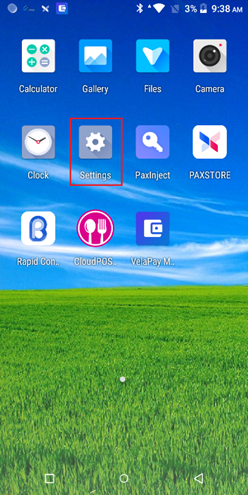
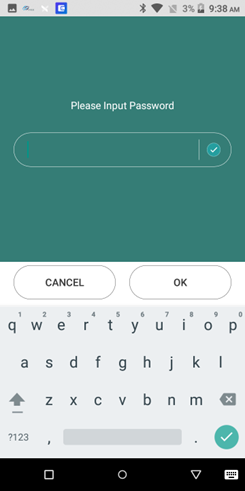
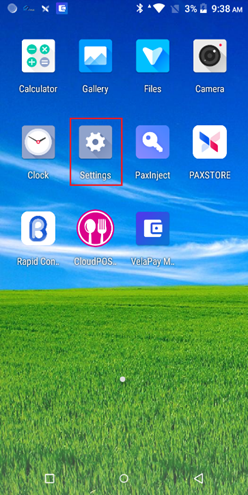
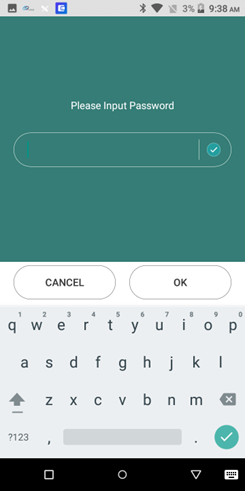
• Press the settings button and enter either of the following passwords: “pax9876@@” or “9876” or “pax9876”
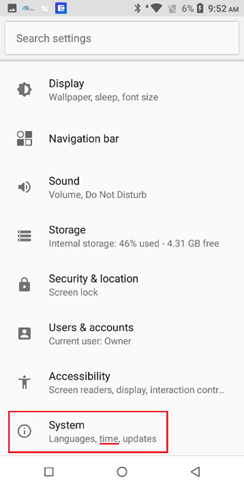
Scroll all the way down, click System, then proceed to Date & time
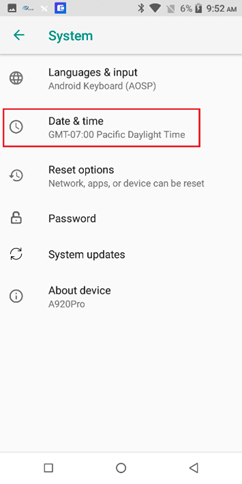
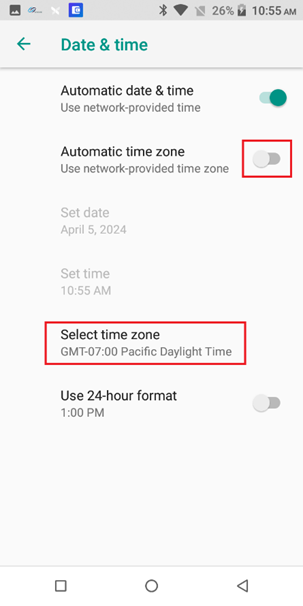
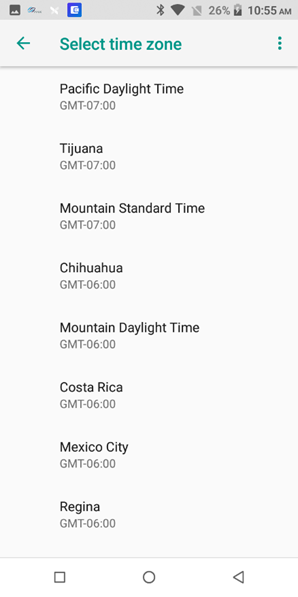
- Turn Automatic time zone off, then click “Select time zone” and pick the respective time zone.
2. Scheduled Reboot Time
- Press the settings button and enter either of the following passwords: “pax9876@@” or “9876” or “pax9876”
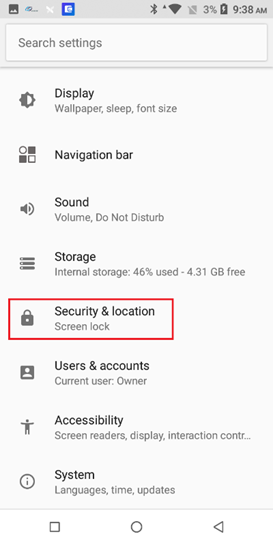
- Click Security, then scroll down to find “Scheduled Time Reboot”
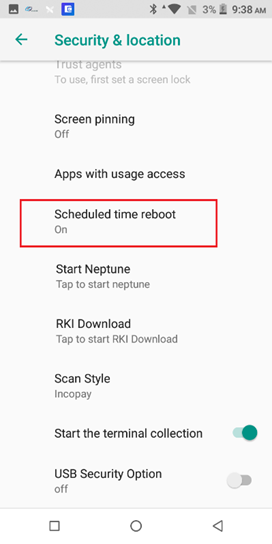
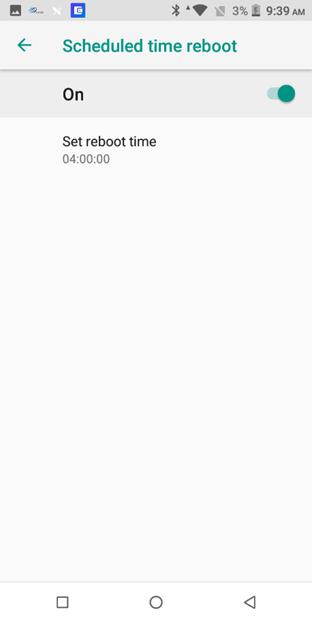
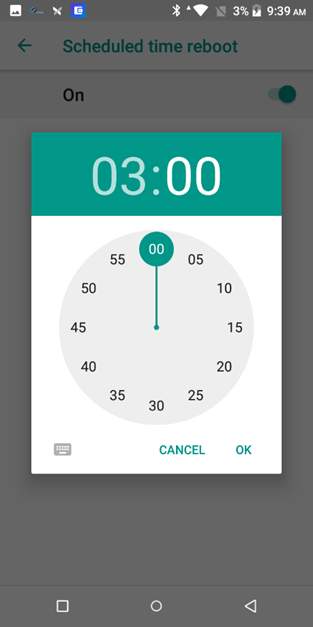
- Turn on the “Scheduled time reboot” and the set time.