Paying with Cash
This guide explains how to complete a sale using cash as the payment method.
Main Screen> Number Pad> Sales Screen> Item Rung Up
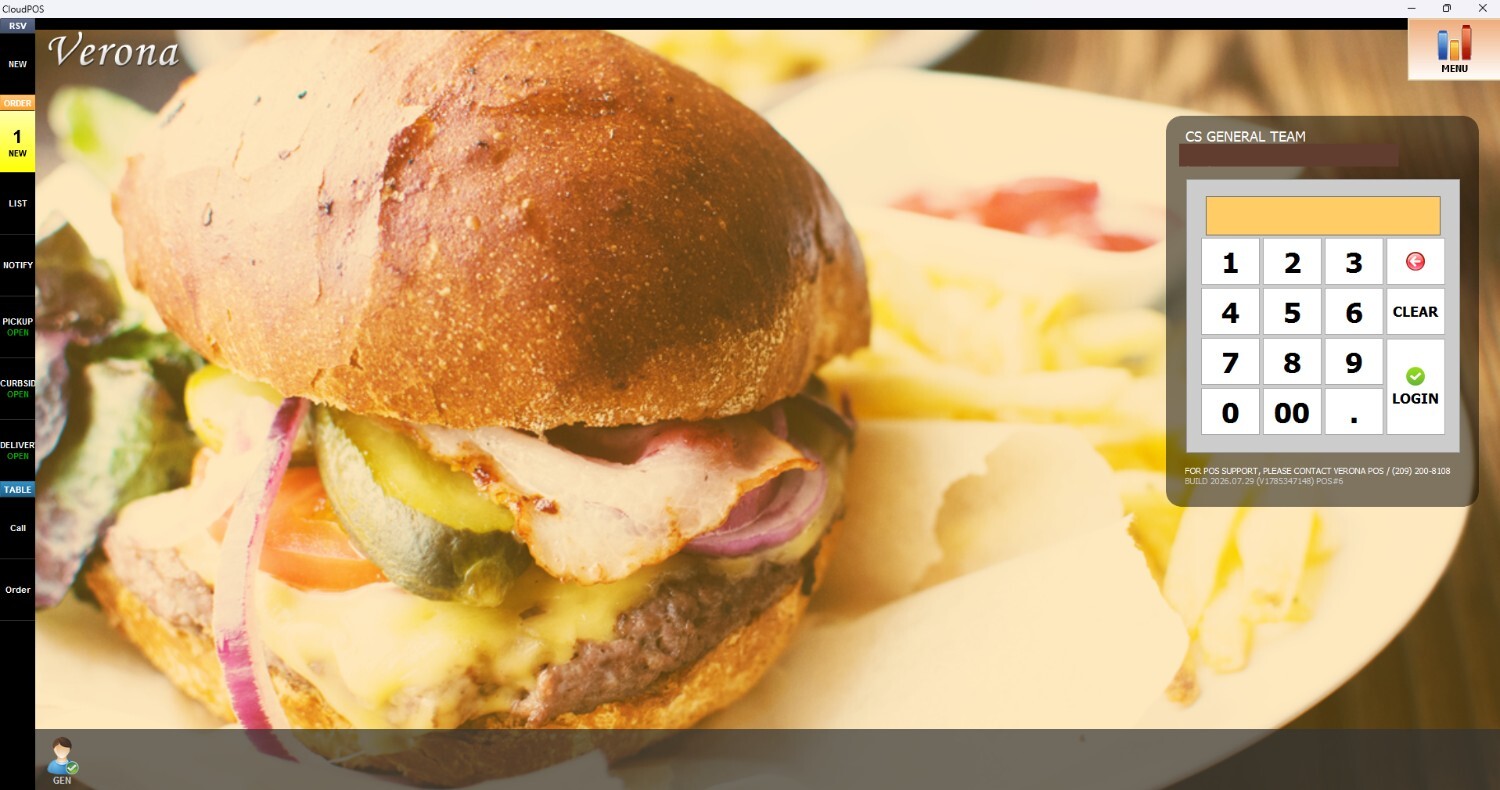
From the Main Screen, click on the number pad and input the assigned personal password to log in.
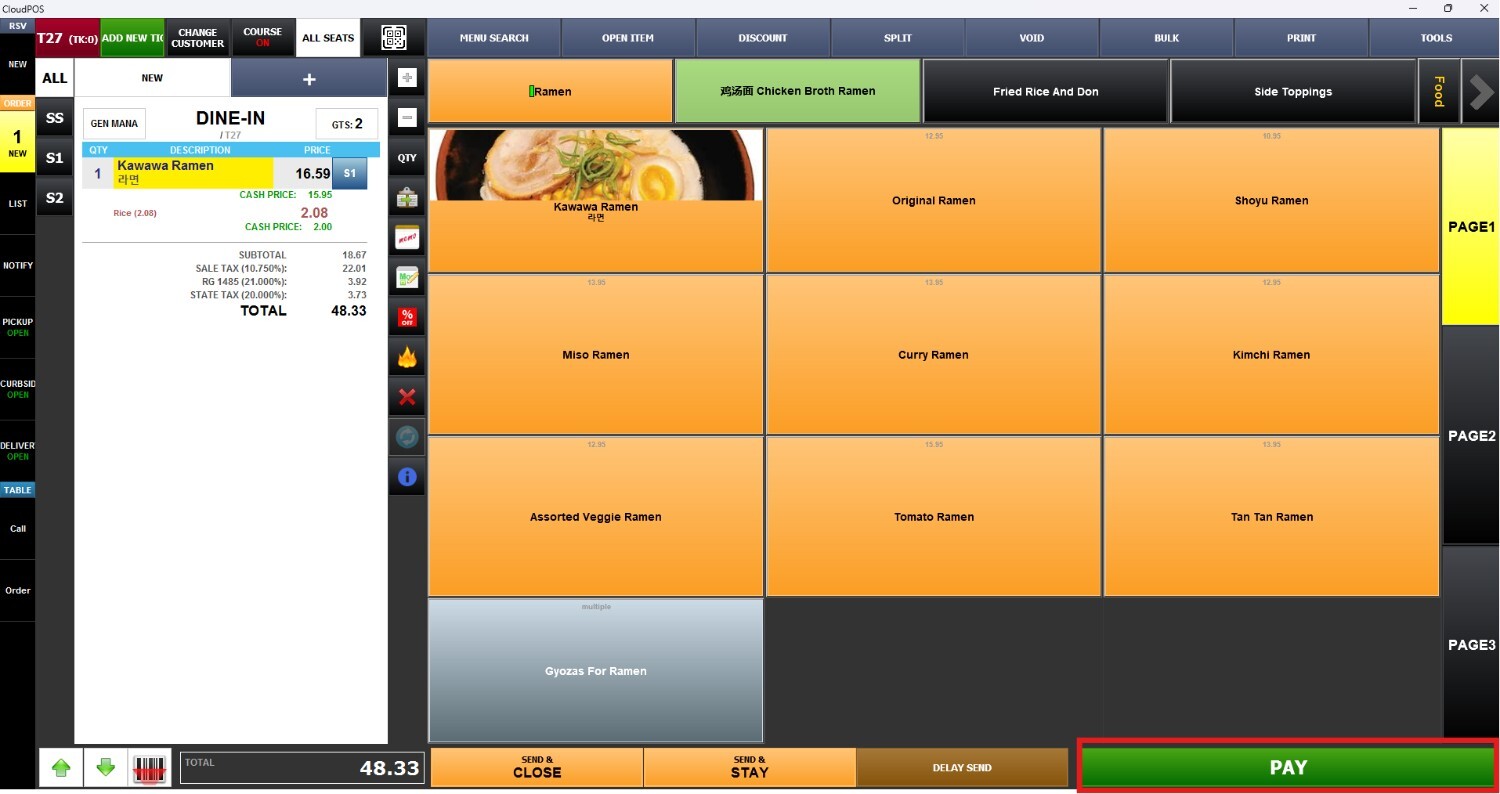
Ring up an item on the Sales Screen and press PAY
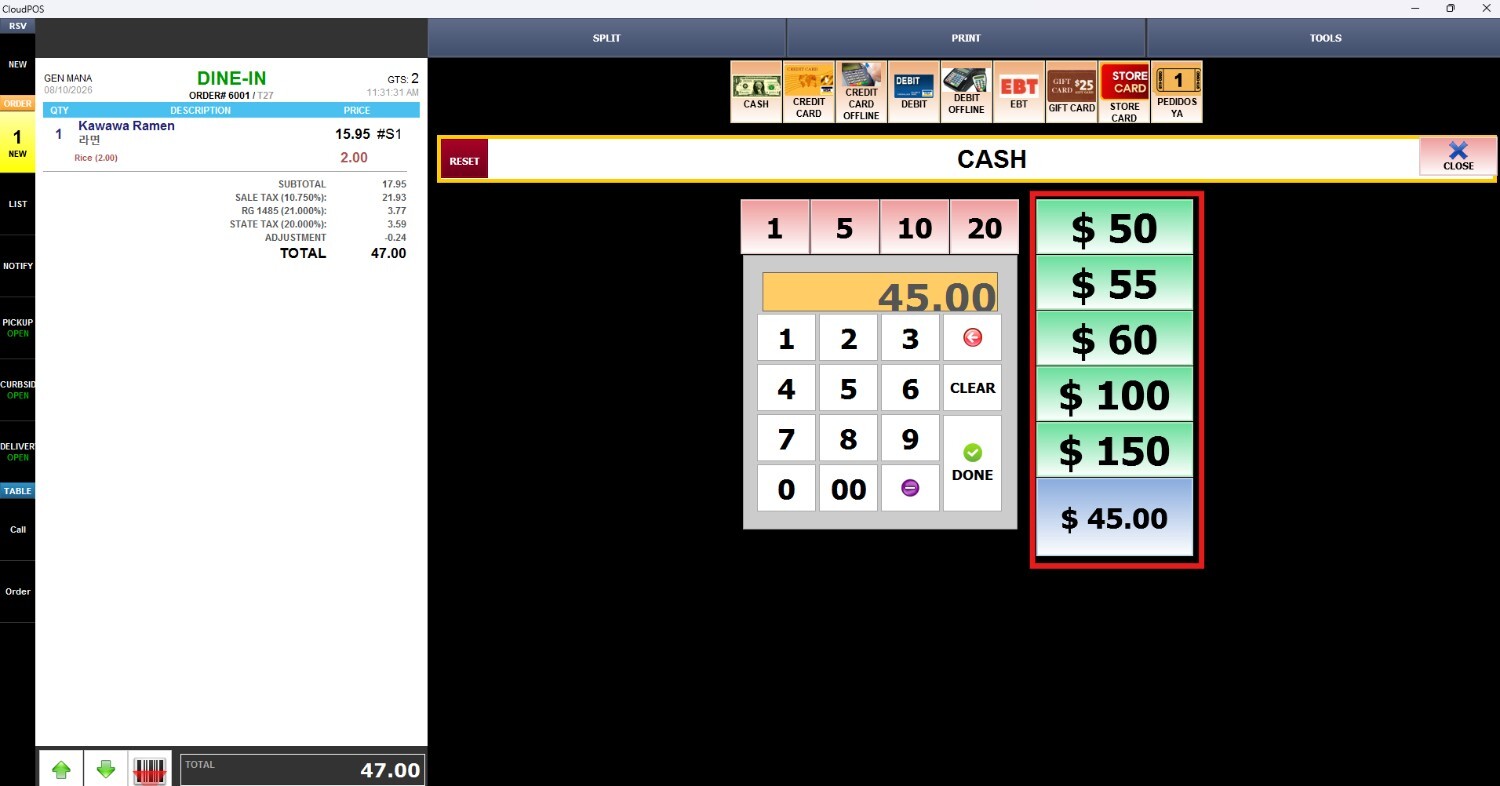
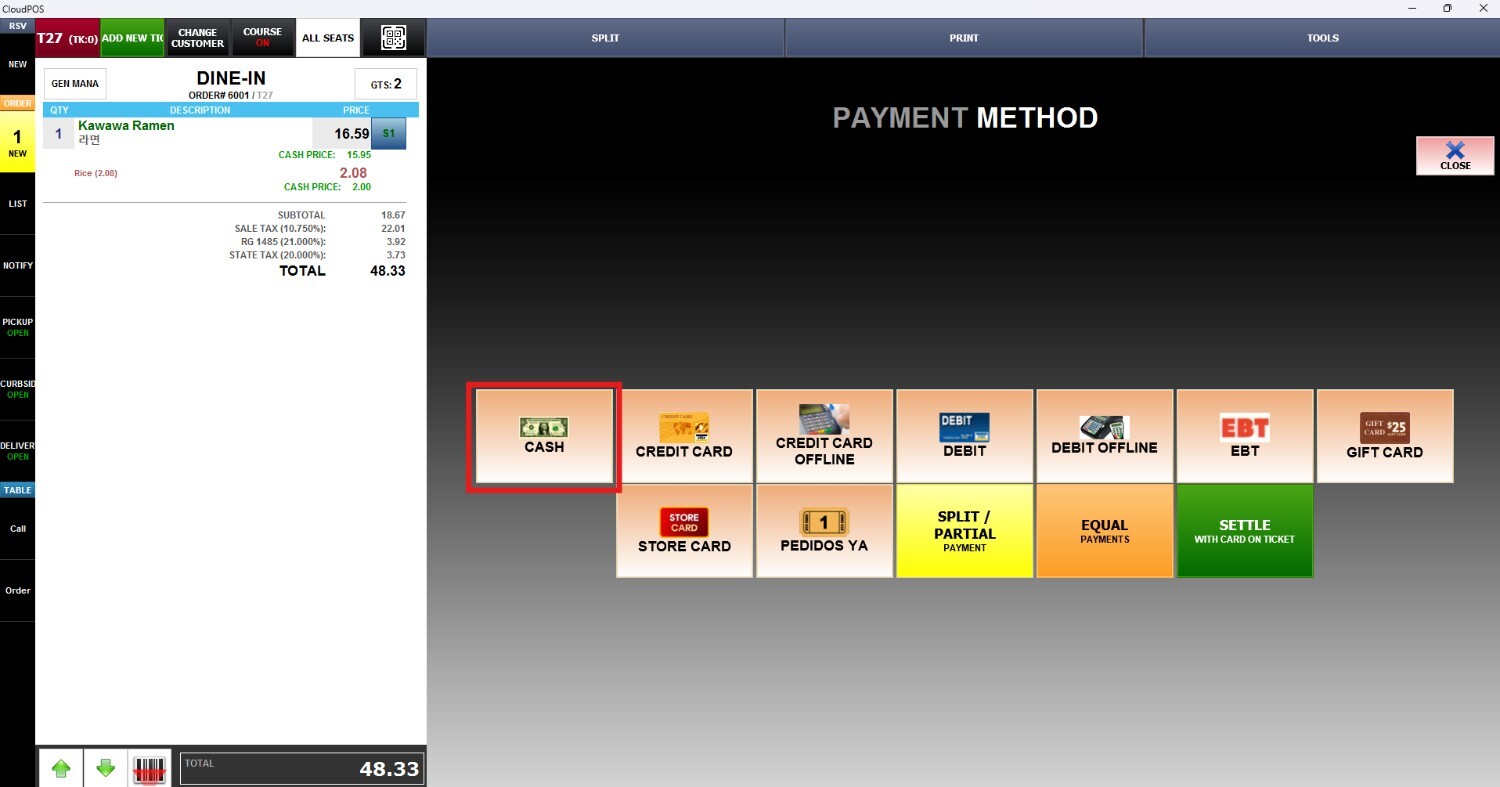
On the payment method screen, press CASH
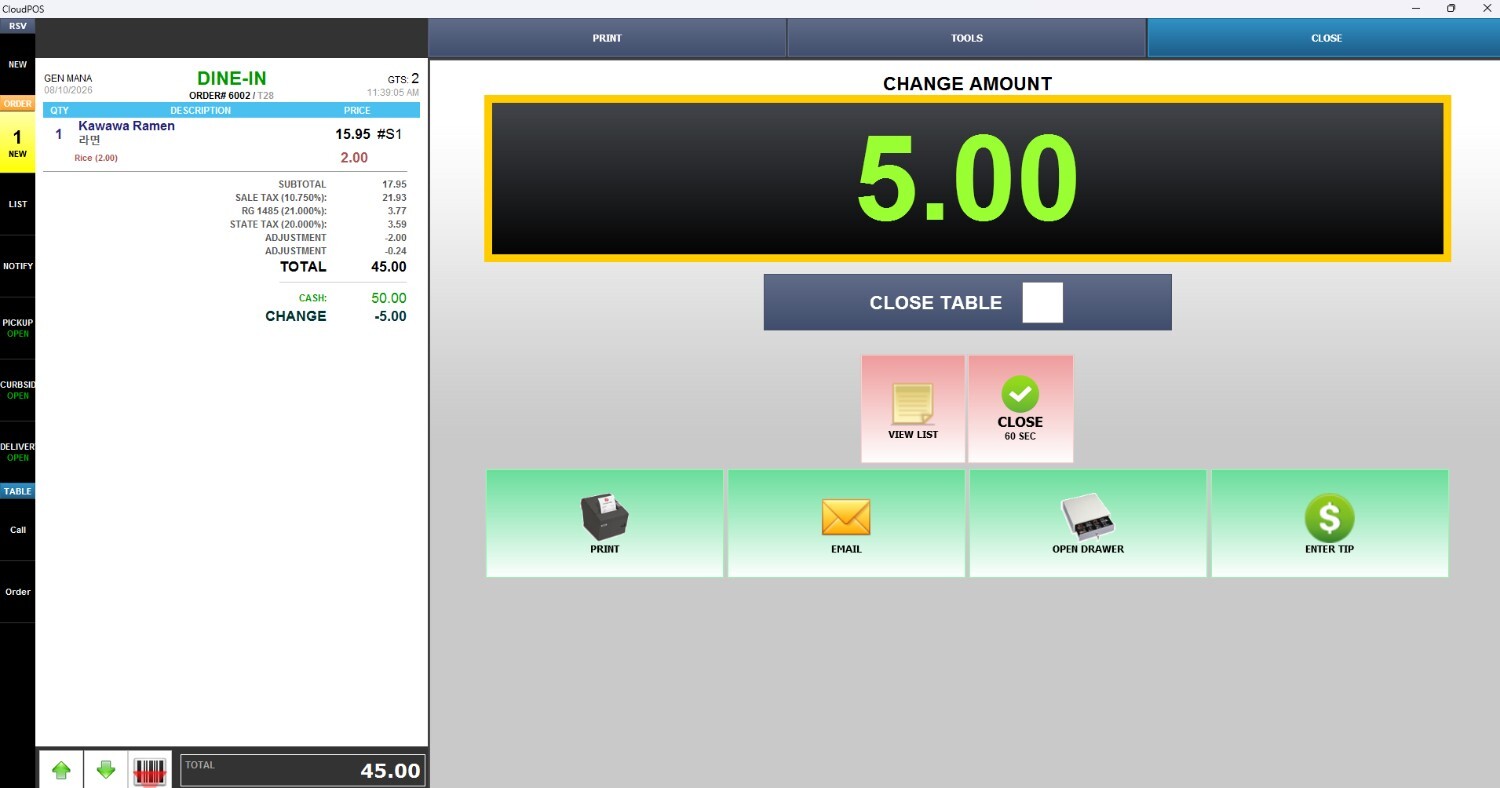
Once the amount is entered, the system calculates and displays the change that should be returned to the customer.