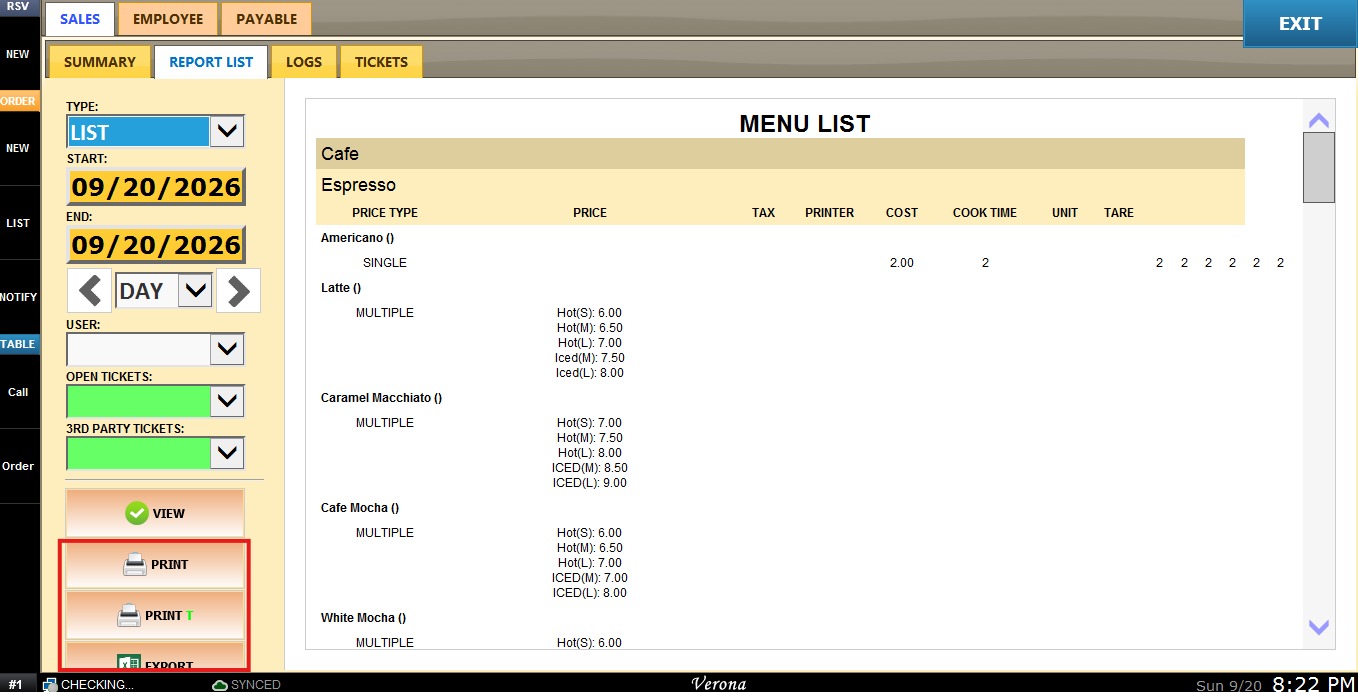
List
The Menu List report displays a complete list of all menu items, organized by category and item, showing pricing, tax, printer assignment, cost, cook time, unit, and tare information for each item.
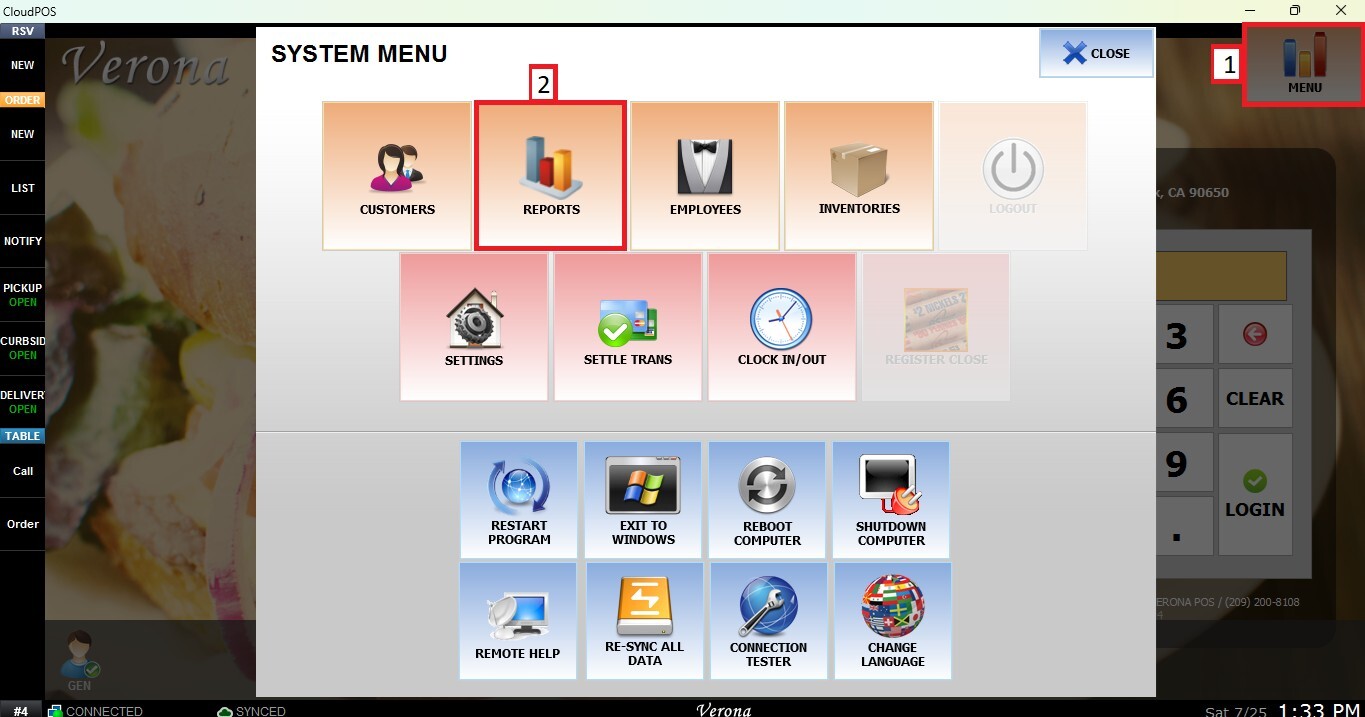
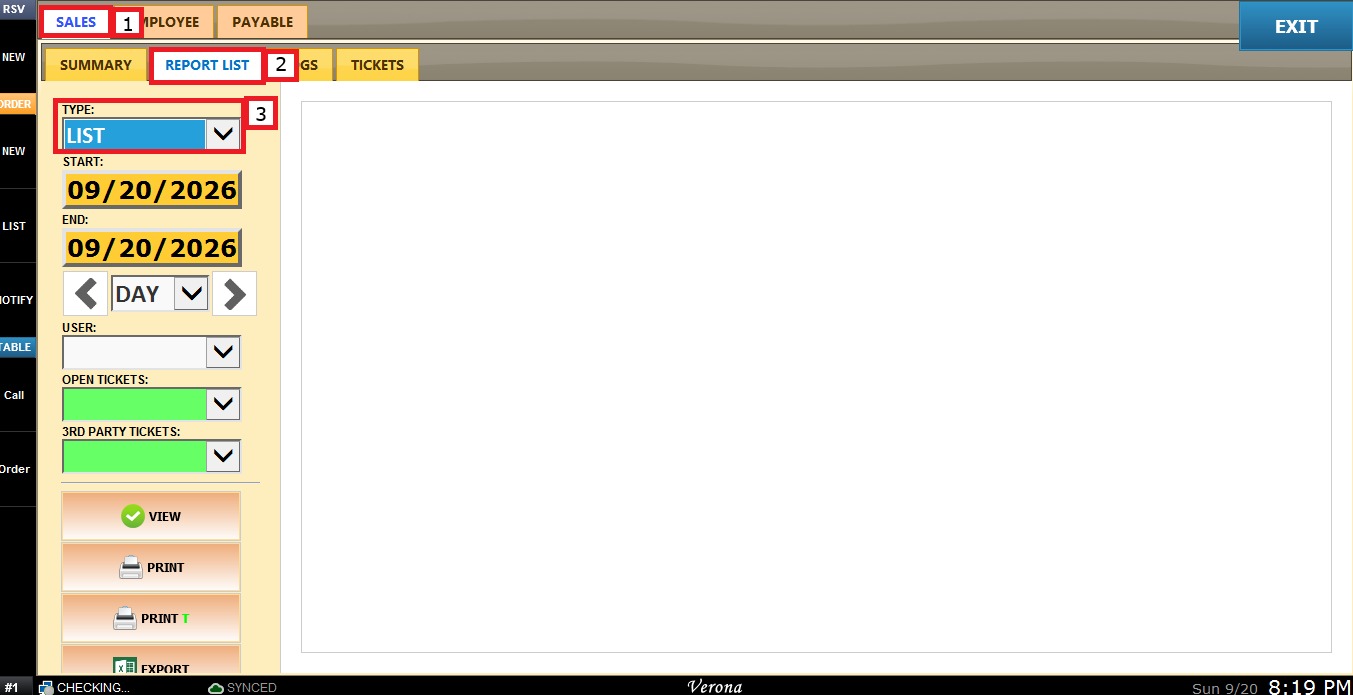
MENU > REPORTS > SALES > REPORT LIST > TYPE> LIST.
Go to MENU, then select REPORTS.
Under the SALES tab, select the REPORT LIST, open the TYPE dropdown menu and select LIST.
Filters
Use the panel on the left side to customize how the report is displayed.
1. Custome Date Range: Allows you to review sales within a specific date range.
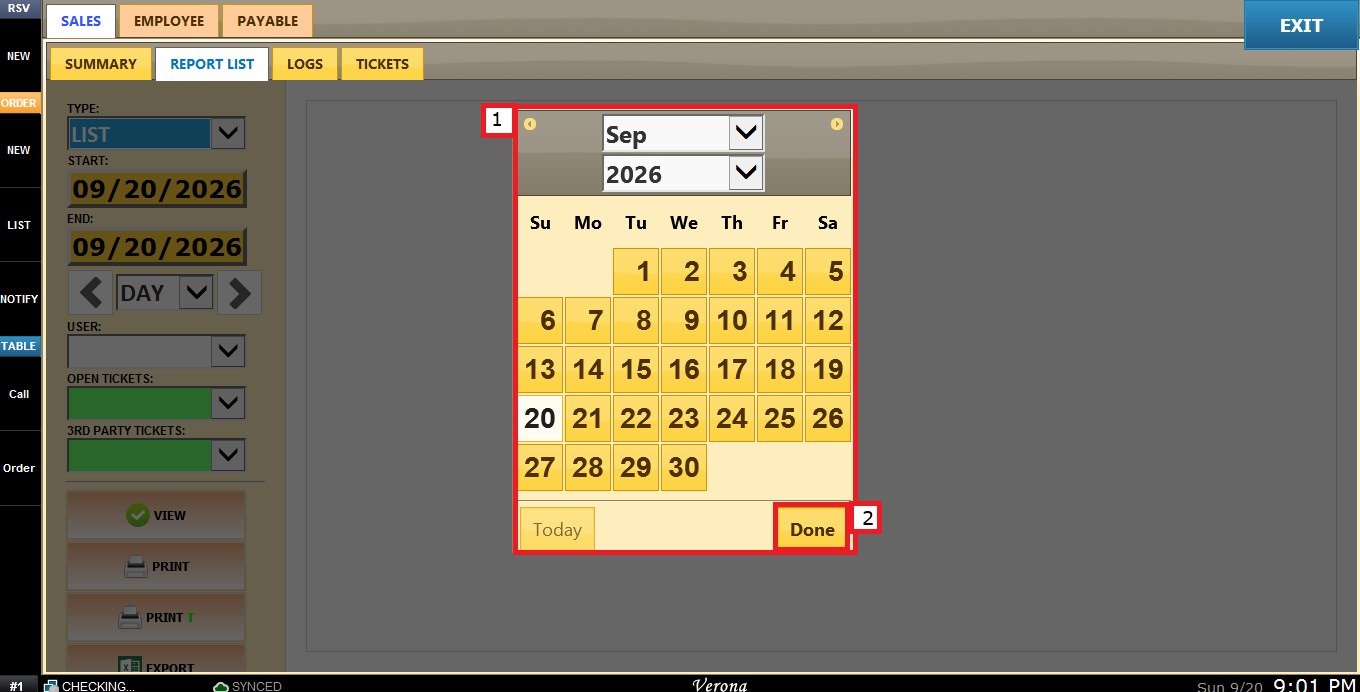
Click the START field to select the beginning date.
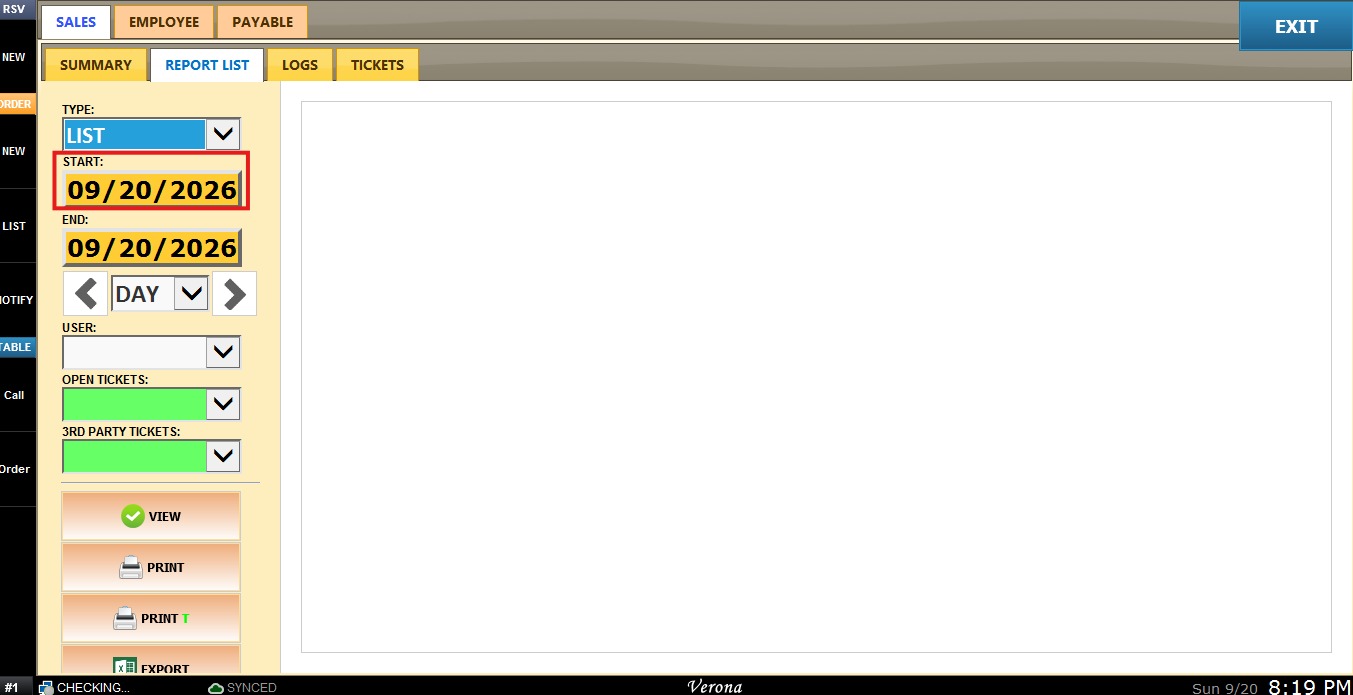
A calendar window will appear. Select the desired day, month, and year, then click DONE.
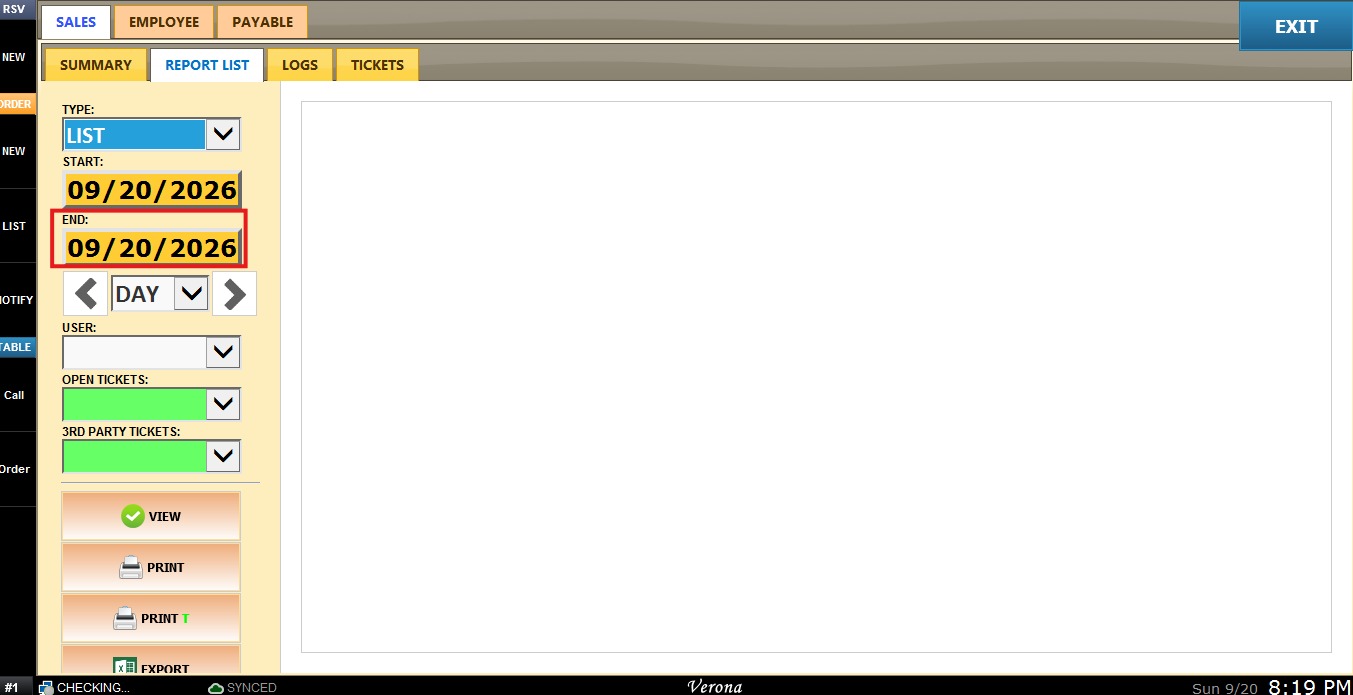
Repeat the same process using the END field to select the ending date.
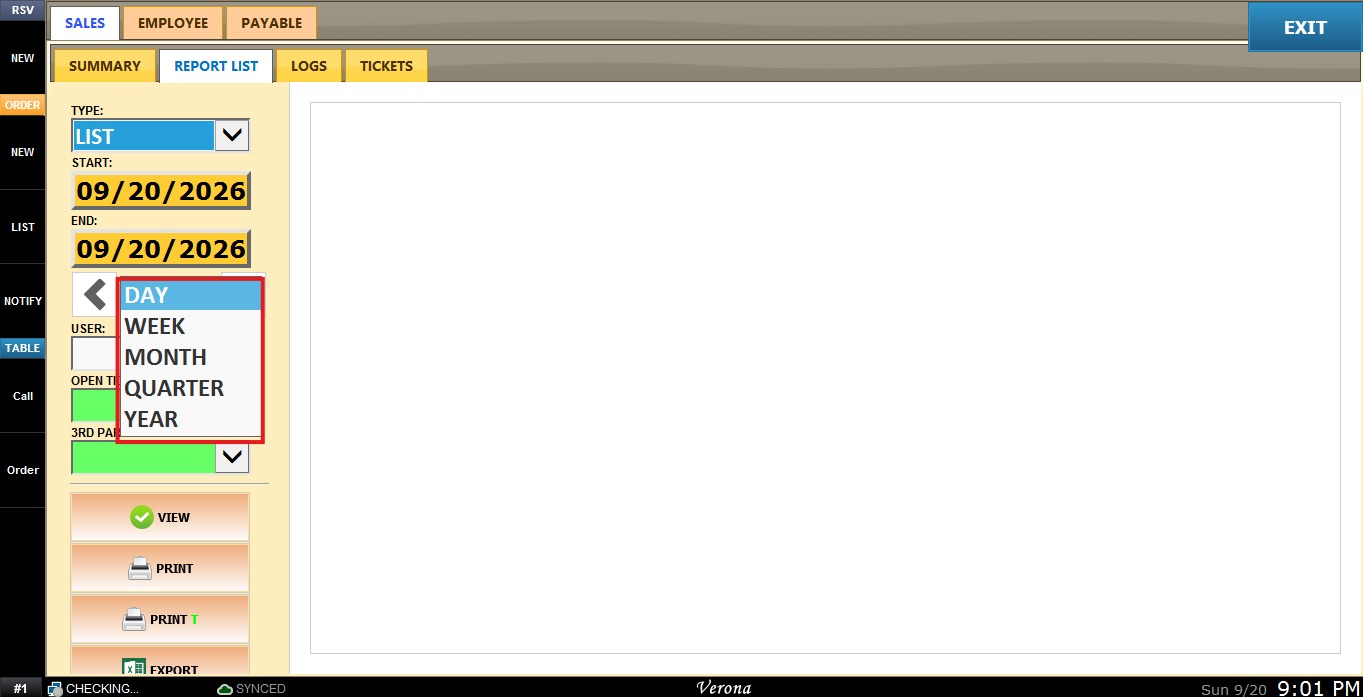
Time Frame Filter: Allows quick filtering by predefined periods such as Day, Week, Month, Quarter, or Year. Select the desired time frame from the dropdown.
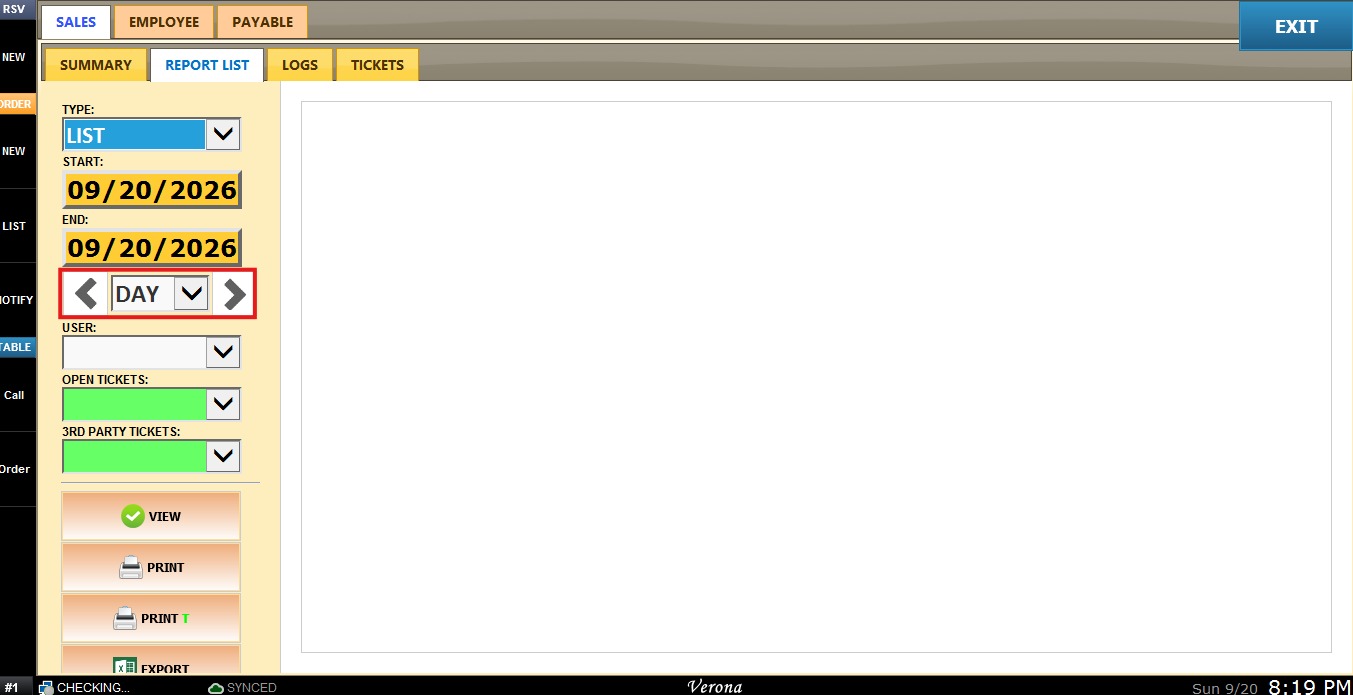
the navigation arrows to move forward or backward through the selected periods.
View
After configuring the desired filters, click VIEW to refresh the report.
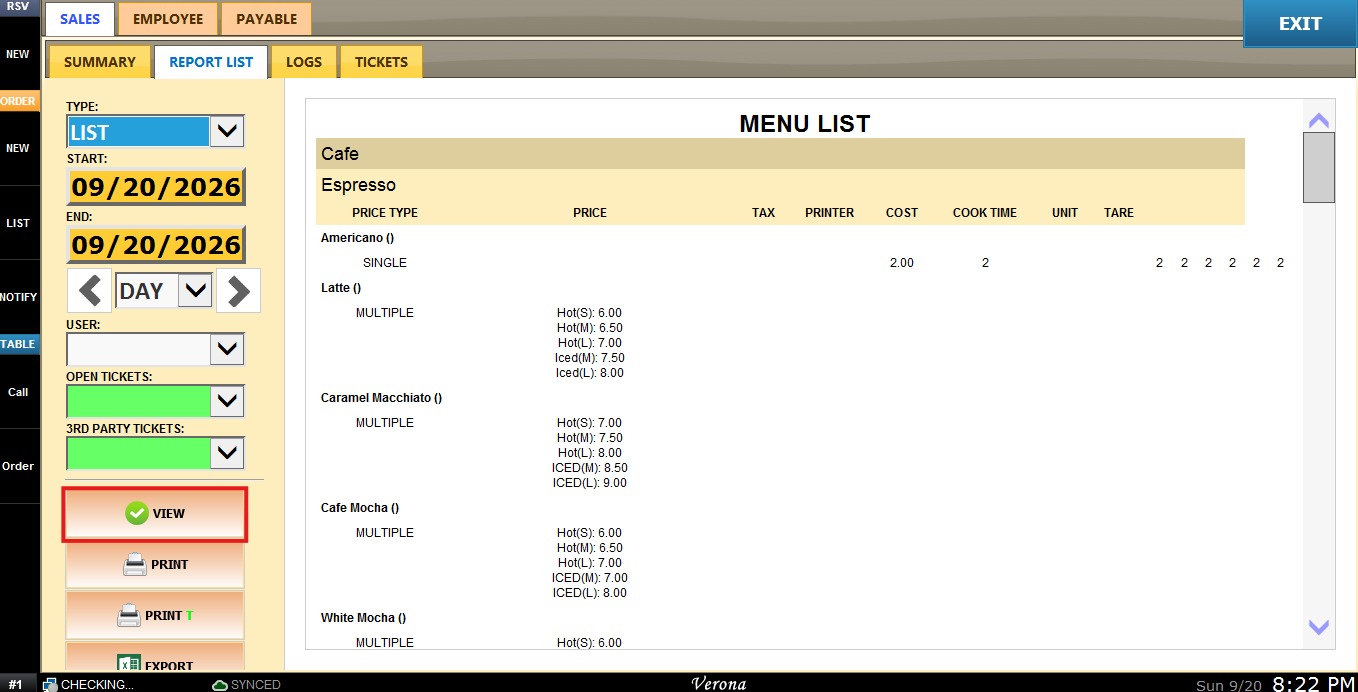
You may also choose to PRINT, EXPORT or EMAIL the report currently being displayed.