Digital Menu
The Digital Menu settings configures which menu is displayed on the digital menu platform. Use this screen to select a menu, retrieve its public link and QR code, and push updates.
MENU> SETTINGS> MENU11> D-MENU> DIGITAL MENU
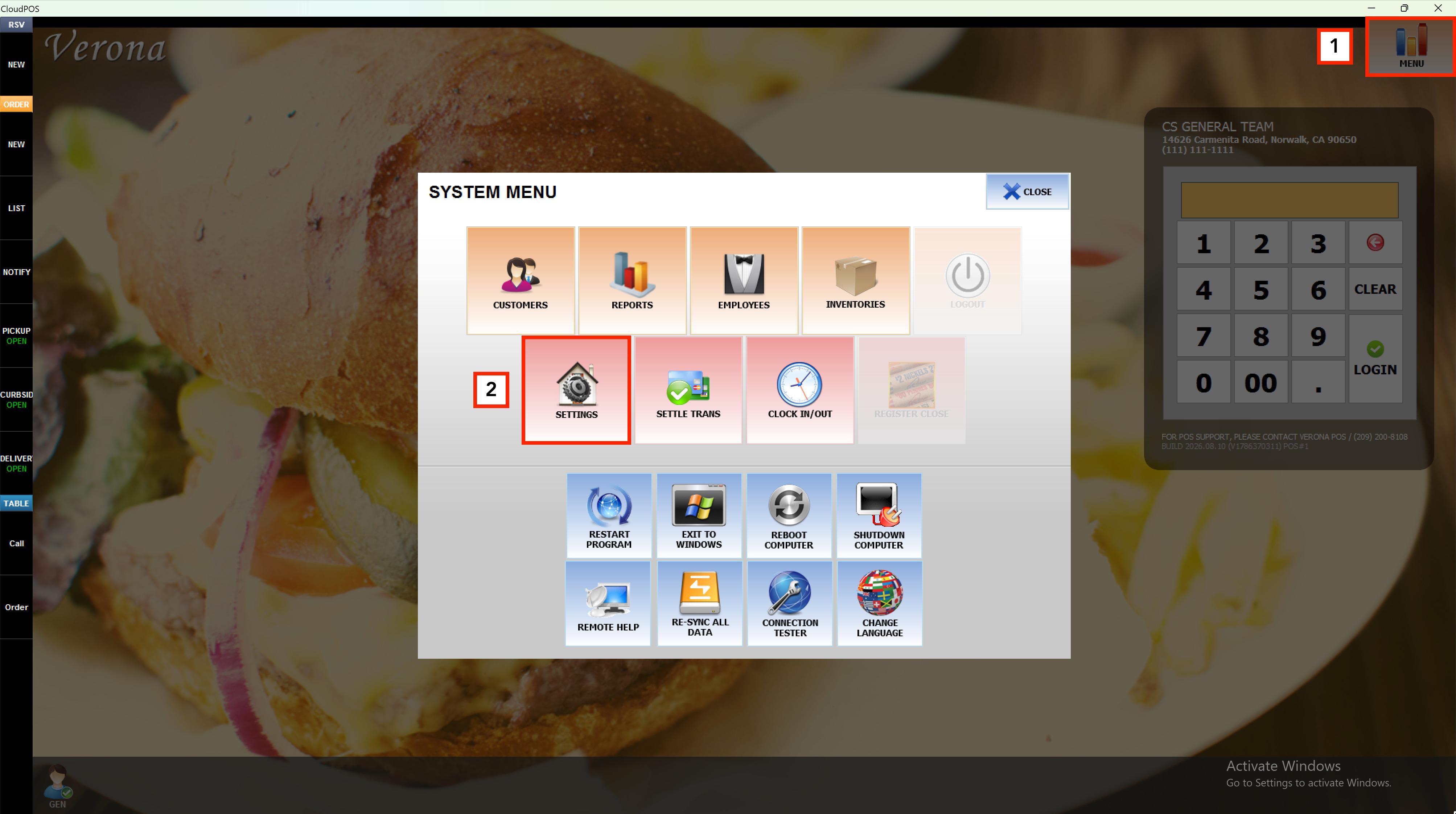
Press MENU on the main screen, then select SETTINGS
Press MENU on the main screen, then select SETTINGS
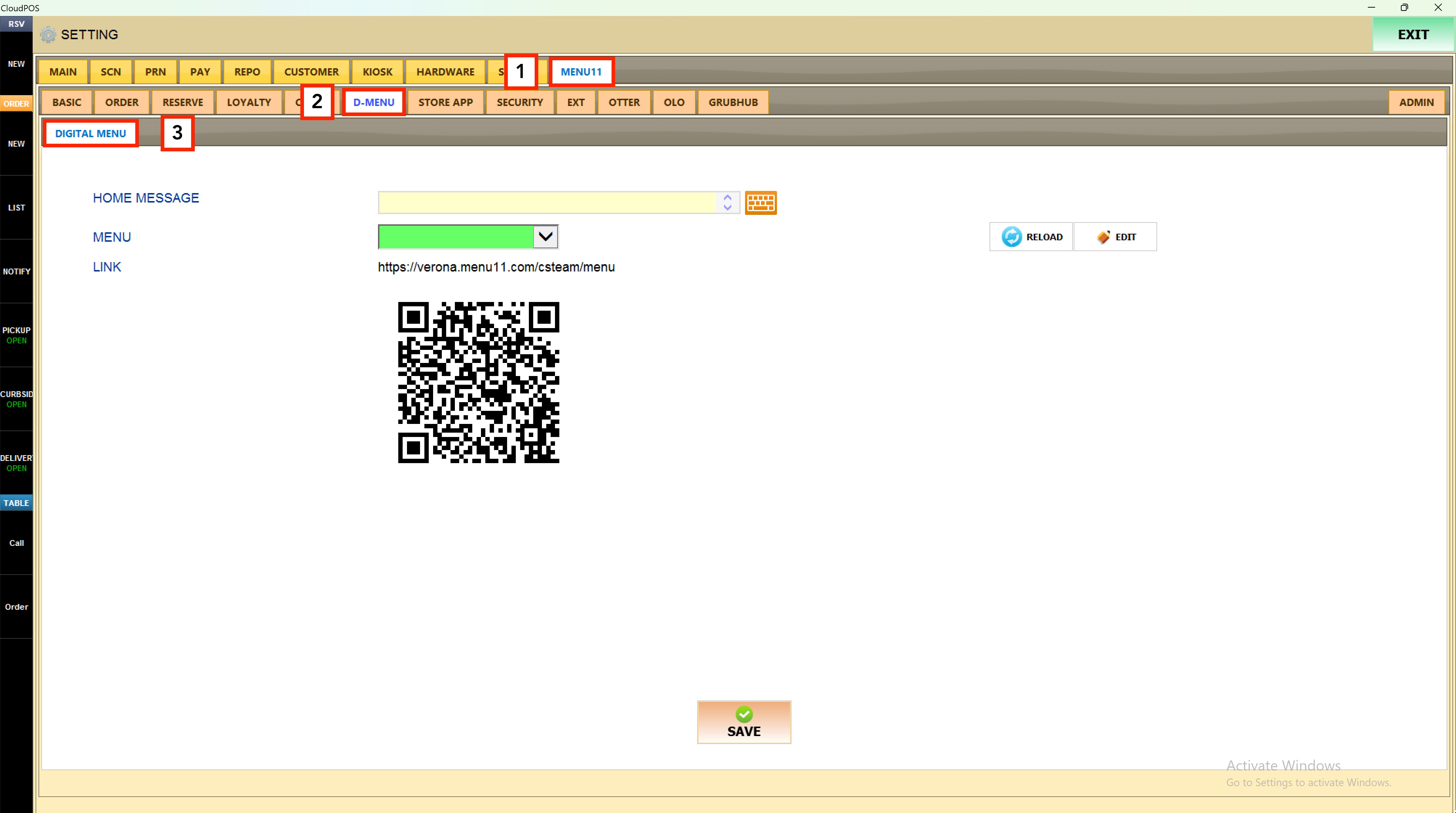
Select the MENU11 tab, then select the D-MENU tab, and choose the DIGITAL MENU tab to open the Digital Menu settings screen.
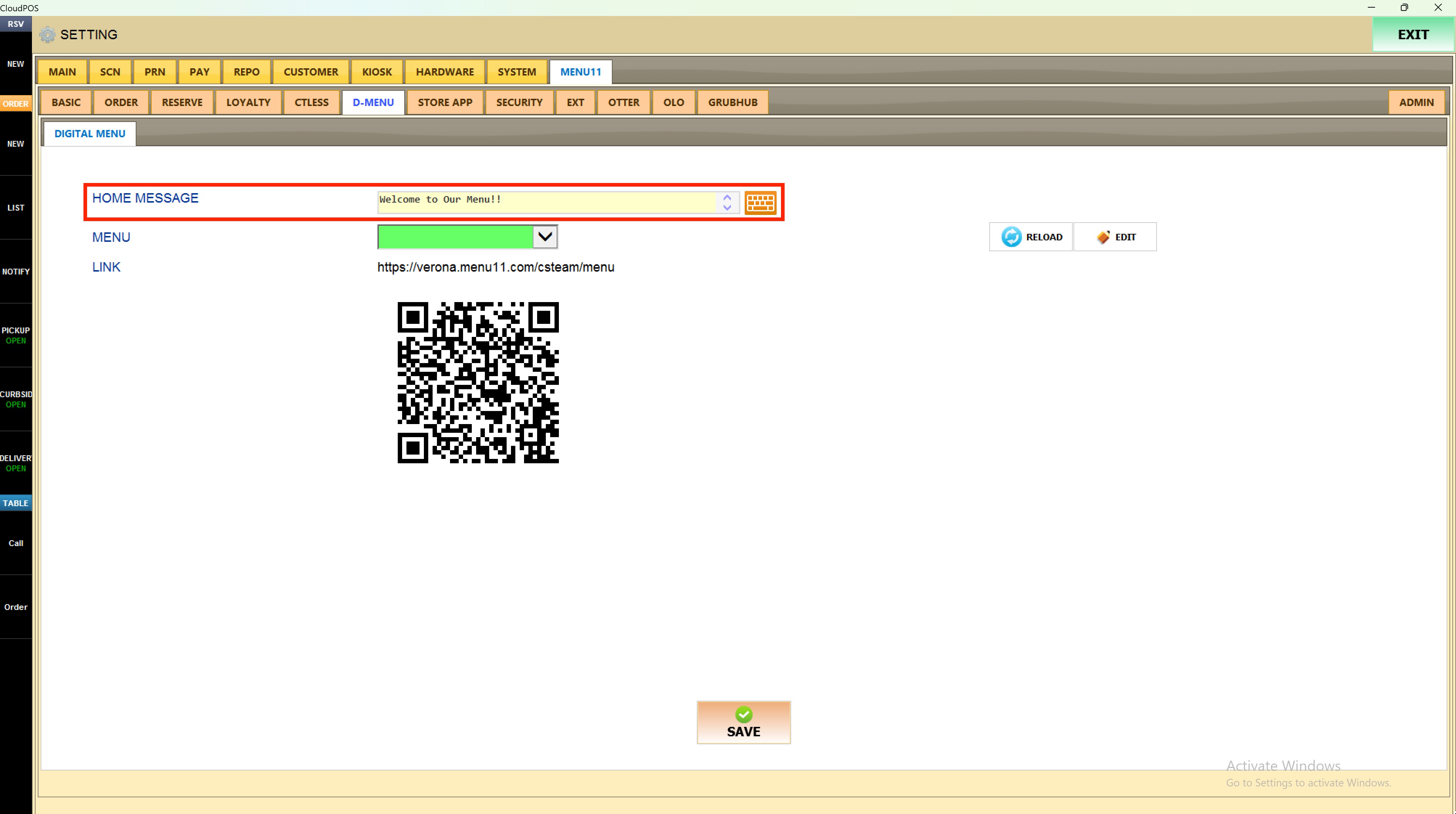
Enter a welcome message in the HOME MESSAGE field that will be displayed as the home message whne accesing to the digital menu
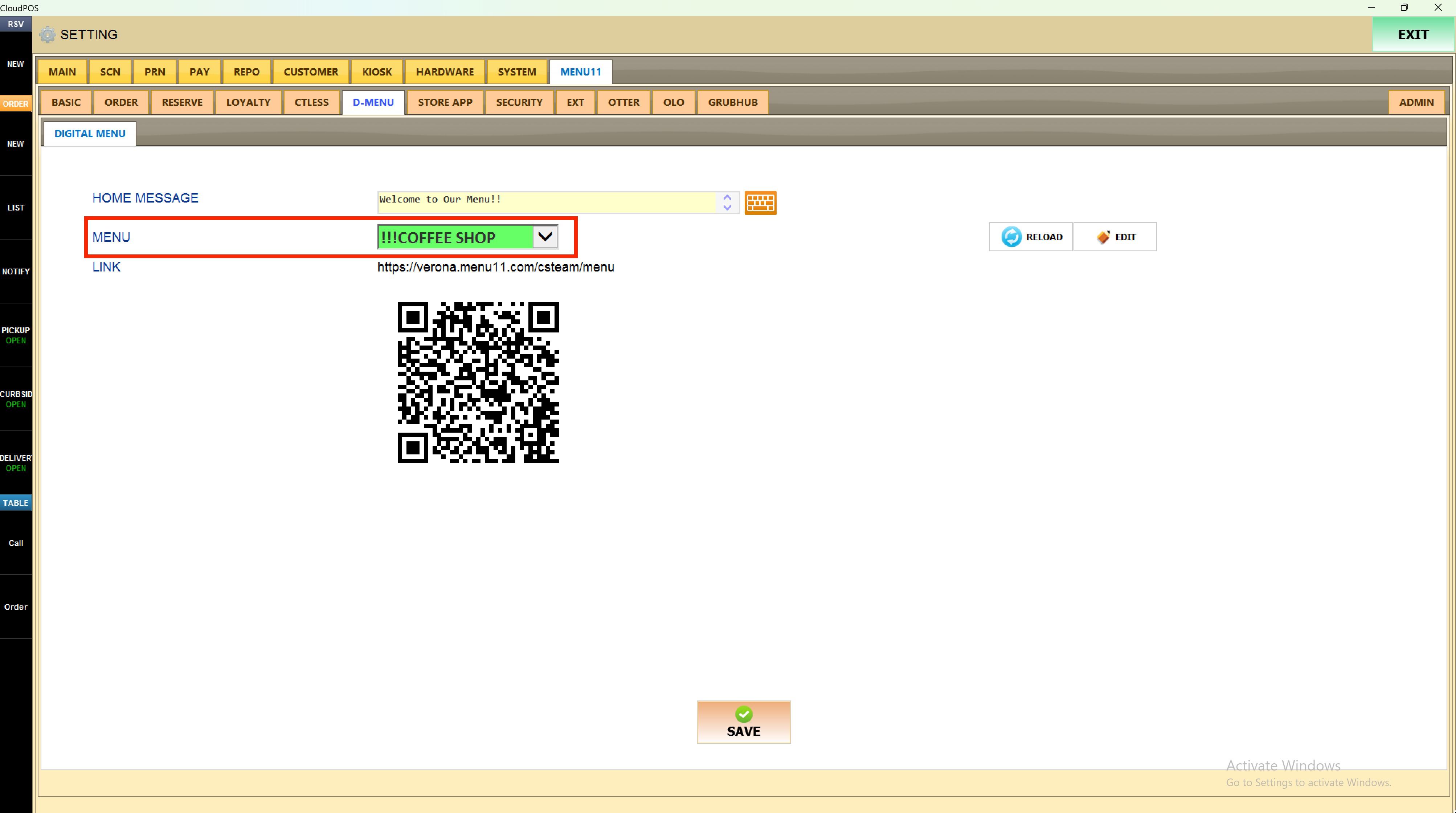
Select the desired menu to show on the digital menu from the MENU dropdown.
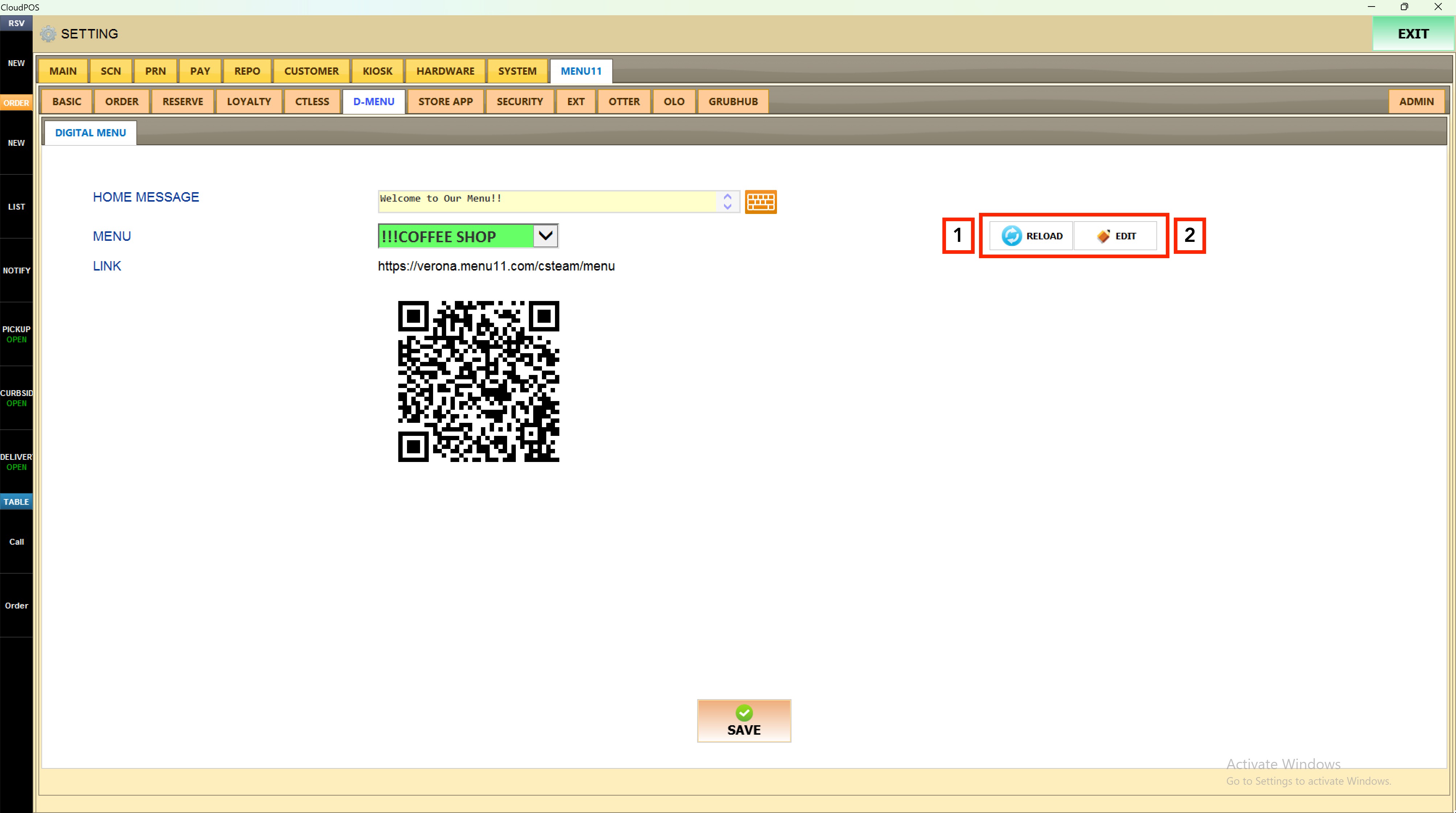
1. Press EDIT to open and modify the currently selected menu.
2. Press RELOAD to sync any recent menu changes so they are reflected on the digital menu immediately.
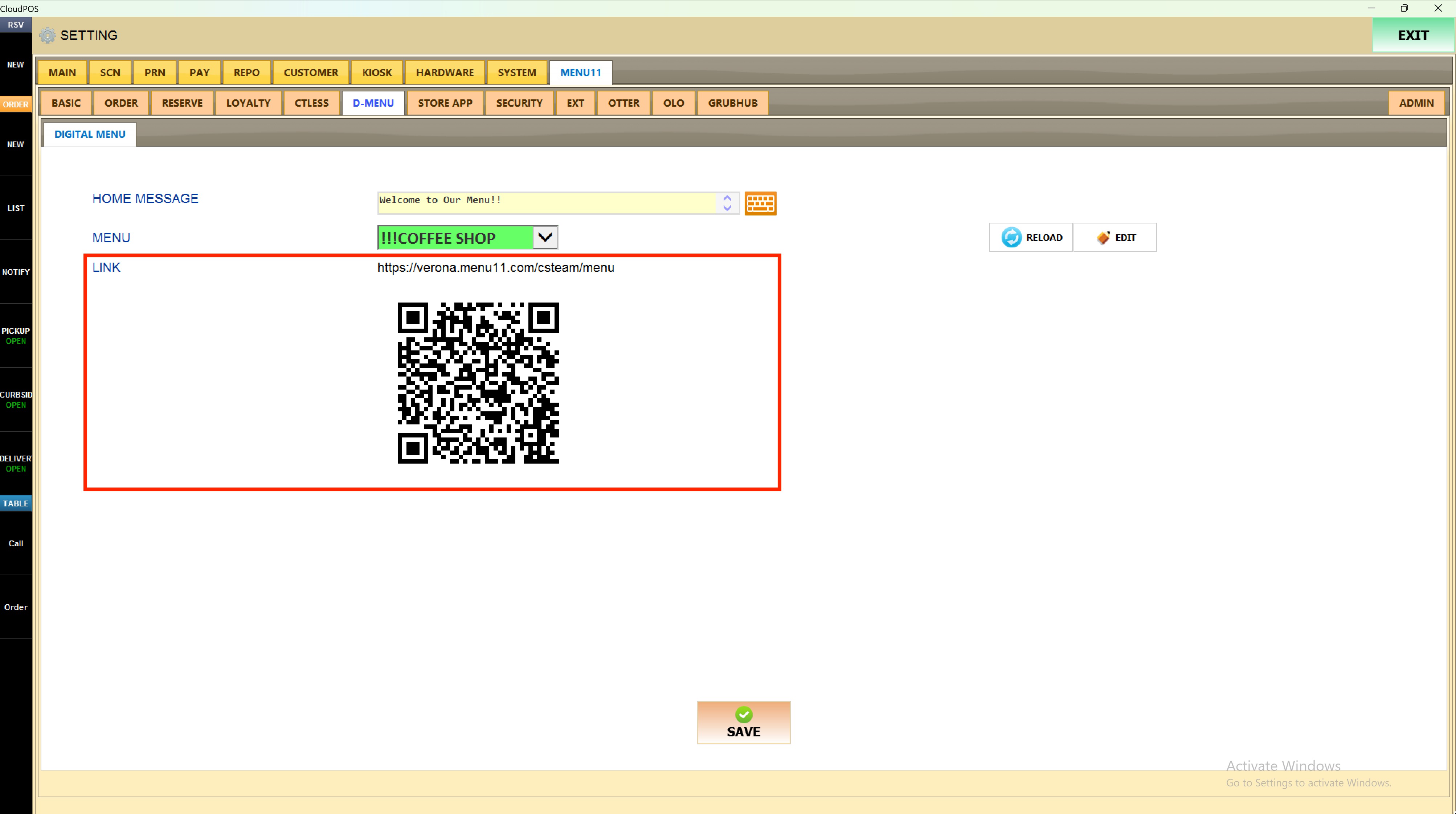
Copy the URL displayed in the LINK field to share the digital menu directly. Scan or distribute the QR code displayed below the link; it redirects customers to the selected digital menu.
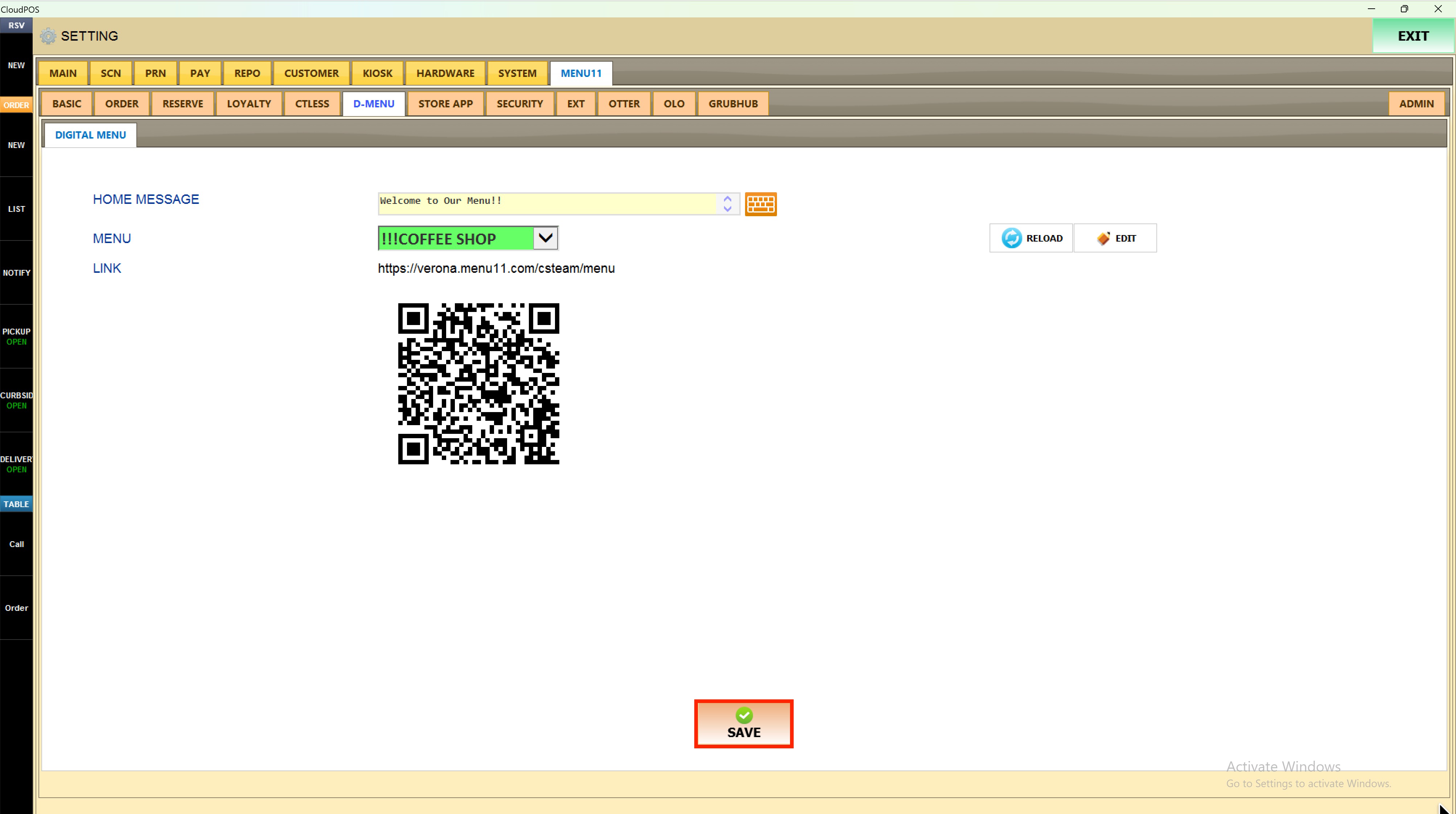
After making any changes, press SAVE to save them.
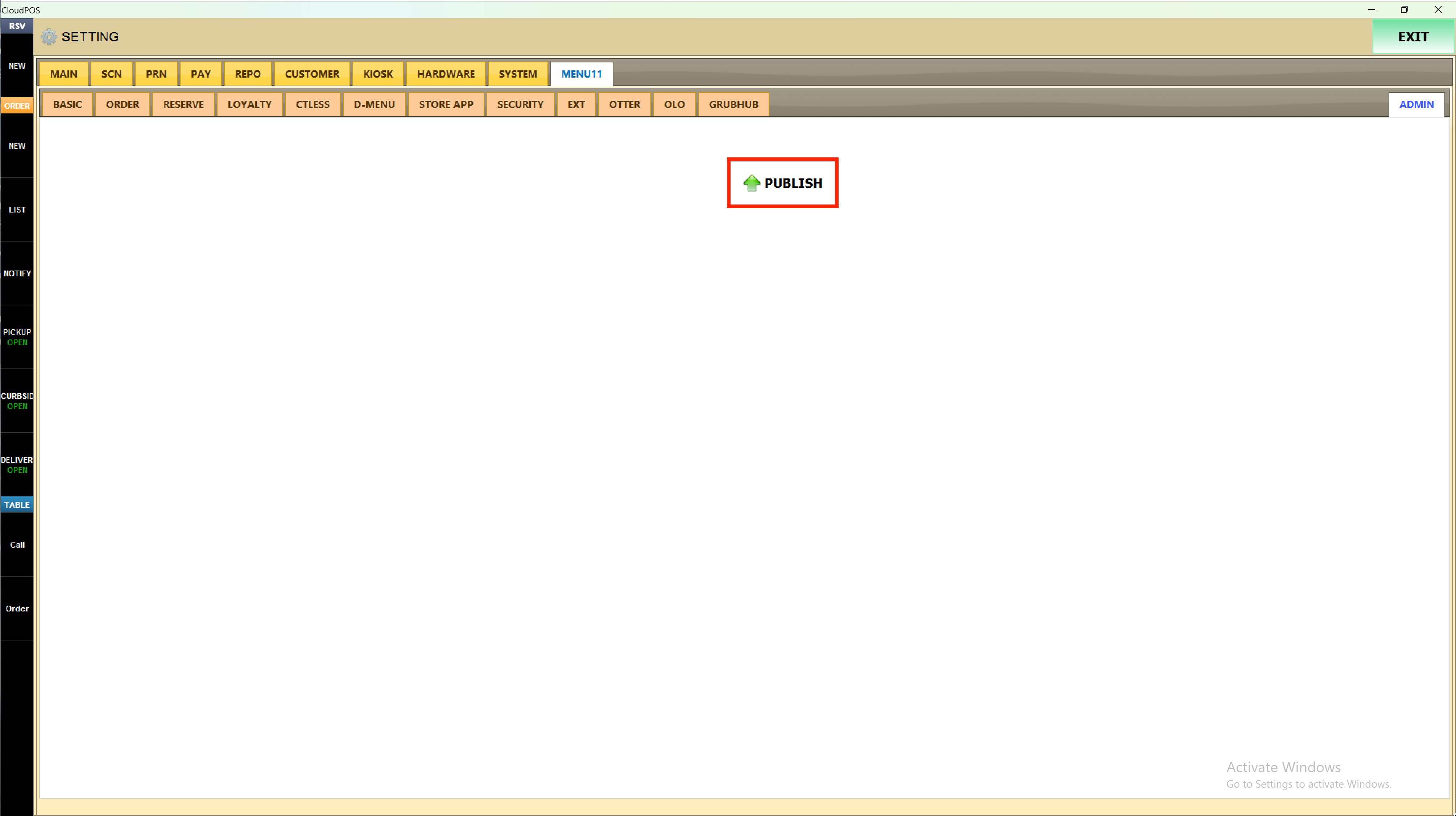
Press ADMIN in the top-right corner, then press PUBLISH for the changes to go live on the digital menu.
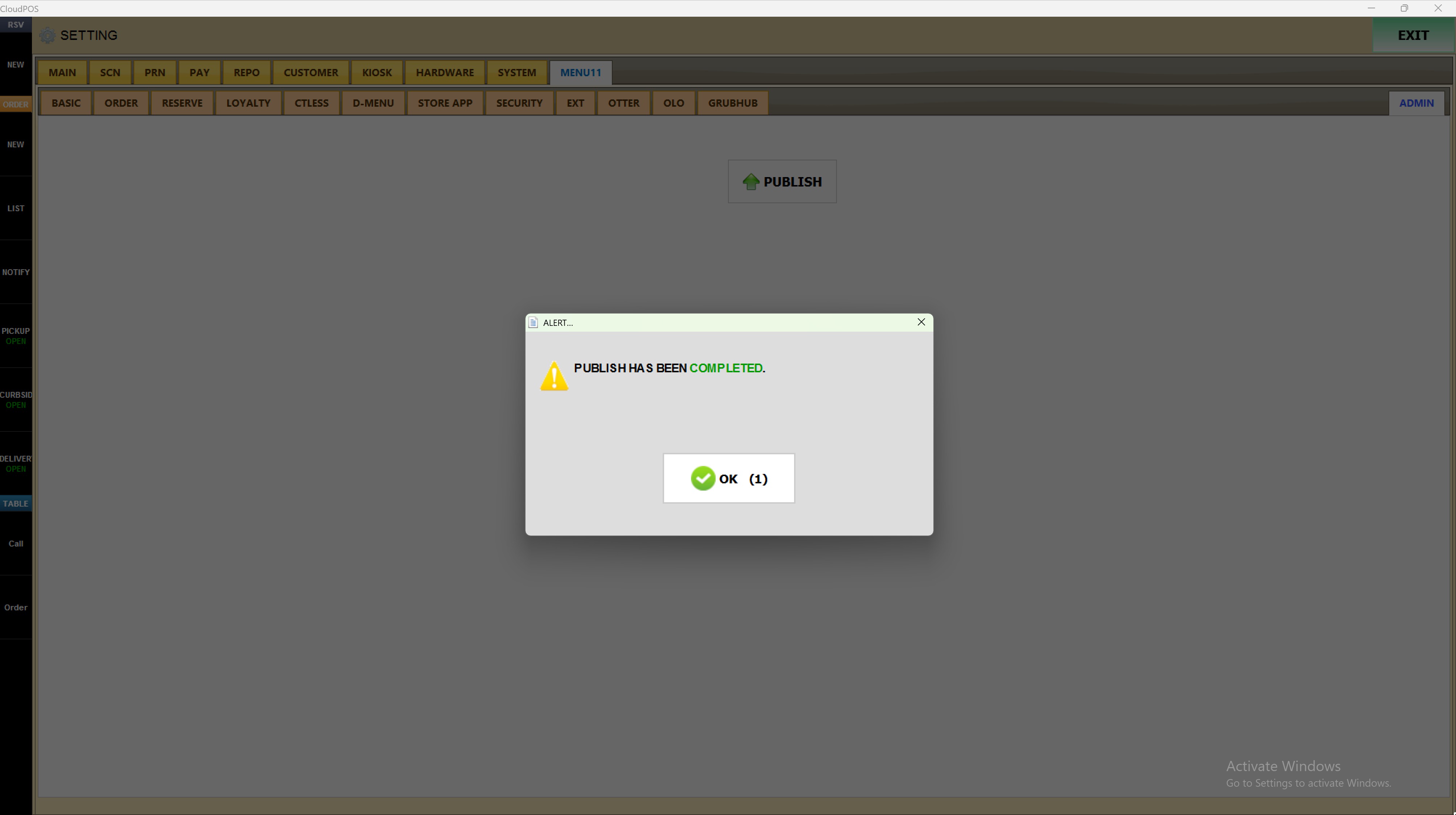
Result:
The selected menu is now active on the digital menu platform and accessible via the displayed link and QR code.