Messages
This section allows you to configure the messages displayed on different screens of the Kiosk.
MENU> SETTINGS> KIOSK> ORDER
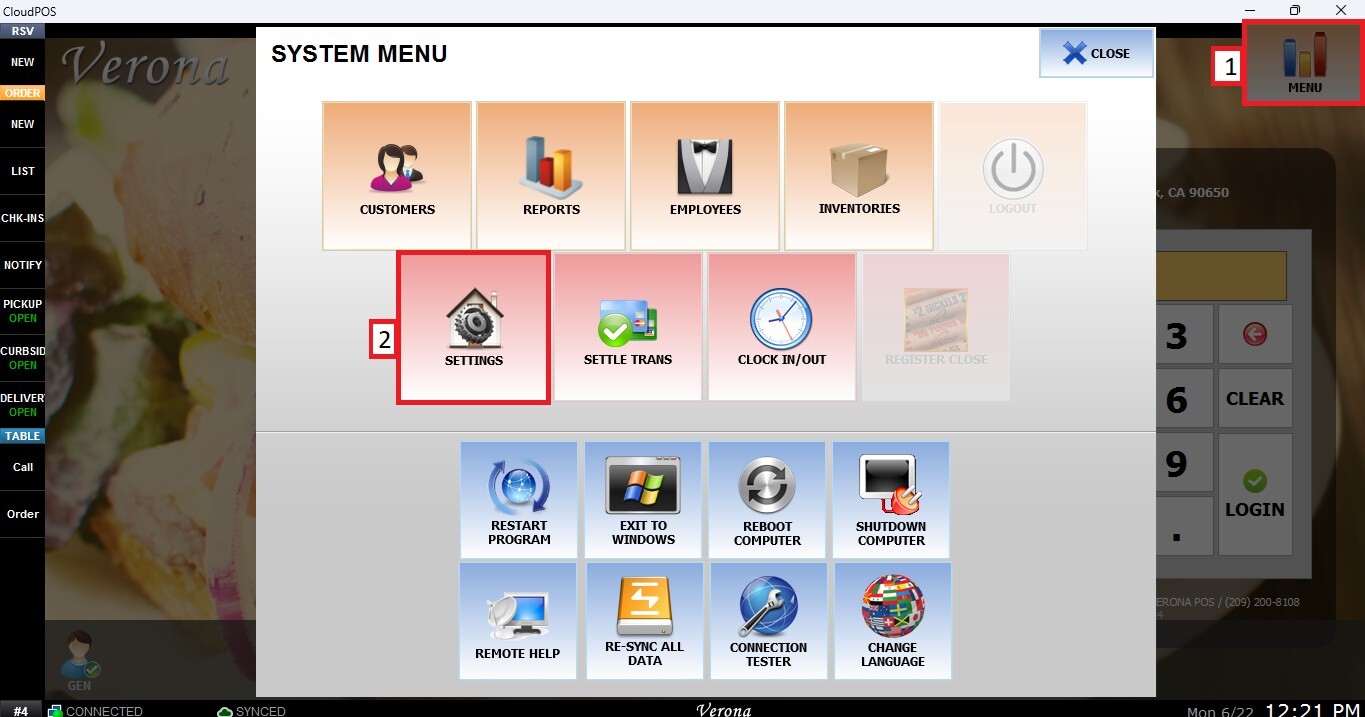
From the MAIN SCREEN, click MENU, then select SETTINGS.
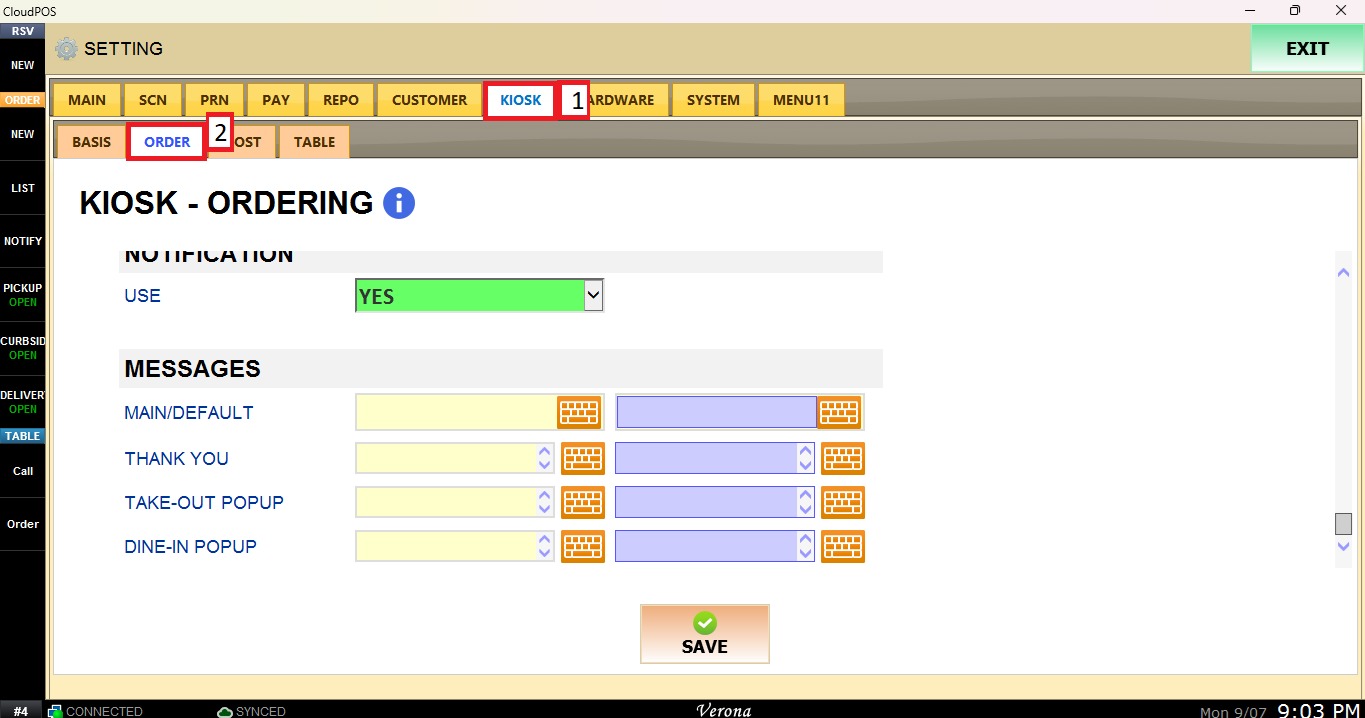
Navigate to the KIOSK tab, then select ORDER.
Scroll down until you get to MESSAGES.
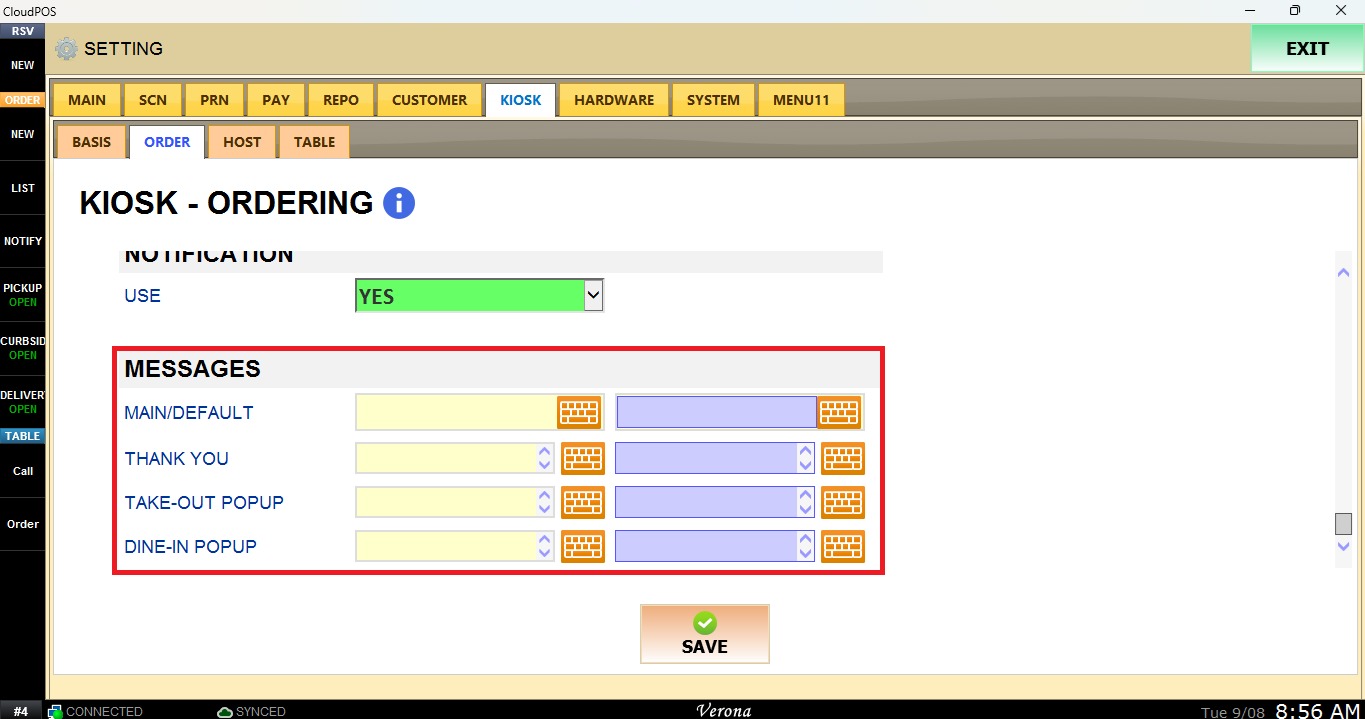
Messages
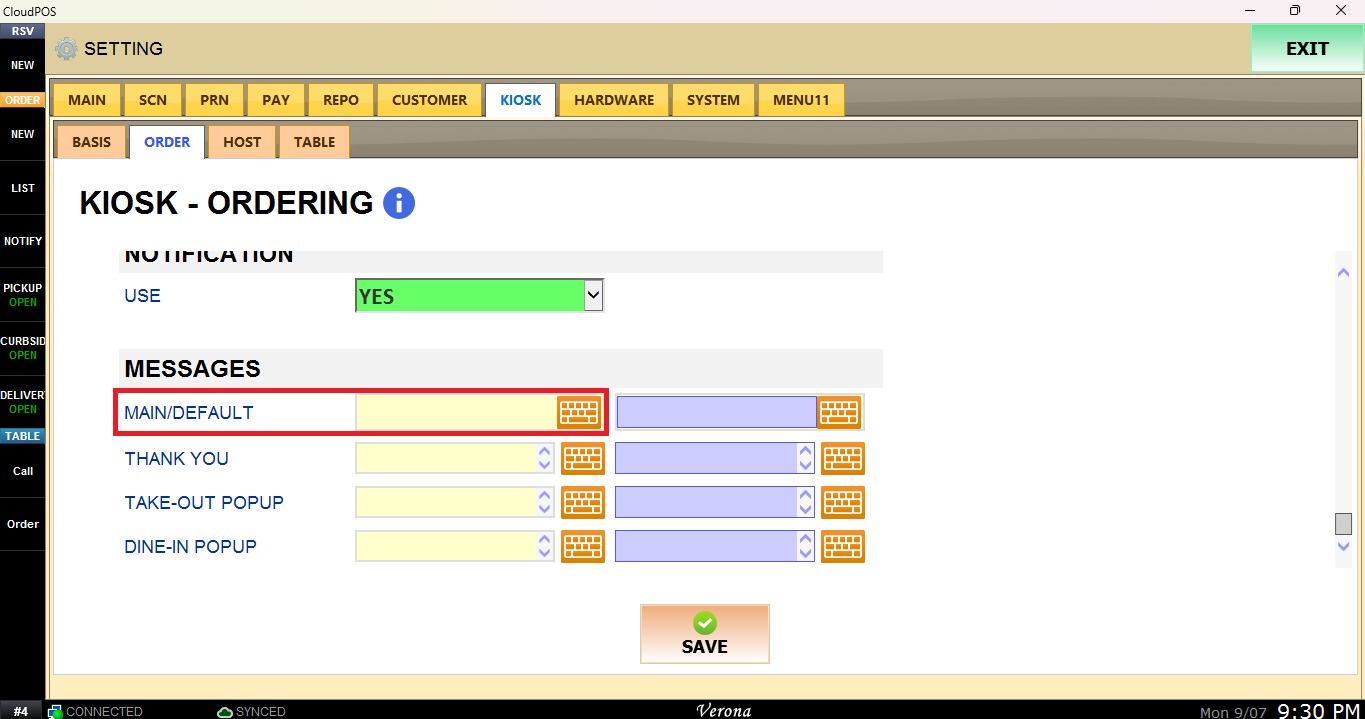
Main/Default
Configures the message displayed on the first Kiosk screen before selecting Start Order or Waiting List.
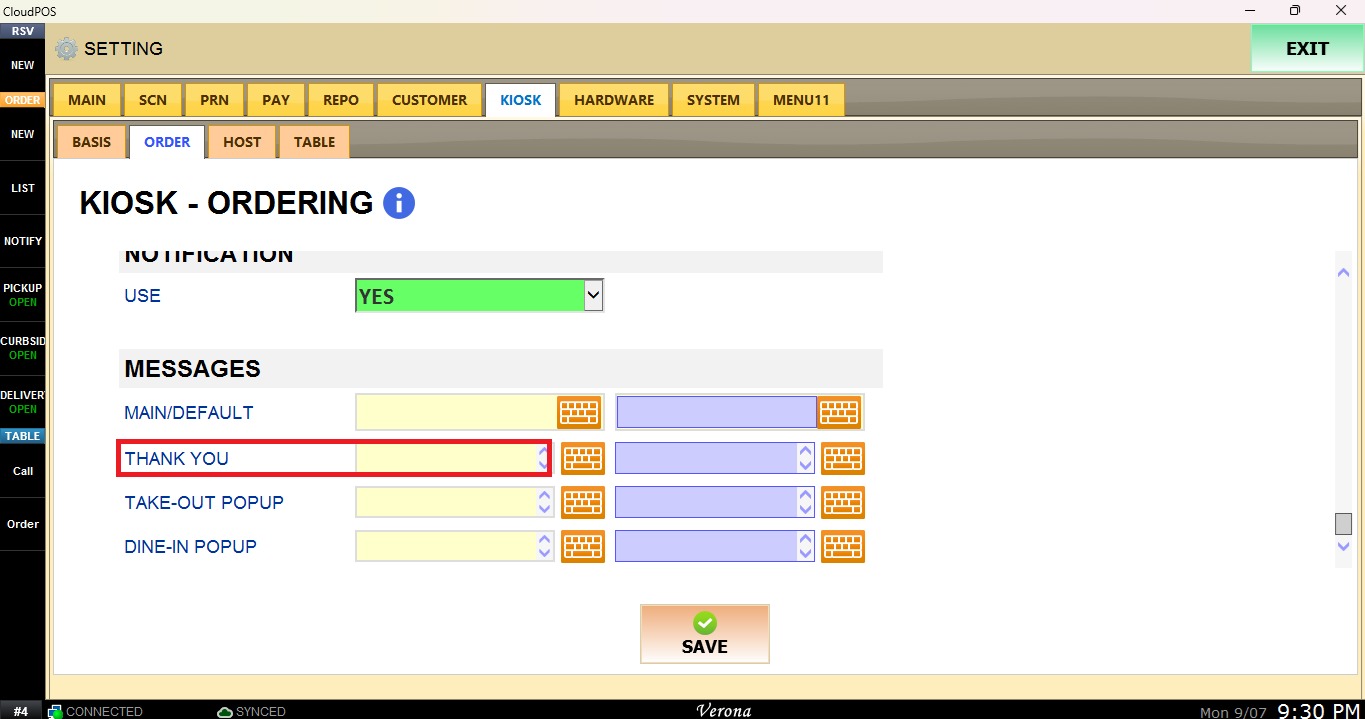
Thank You
Configures the thank you message displayed after completing a purchase for either Dine-In or Take-Out orders.
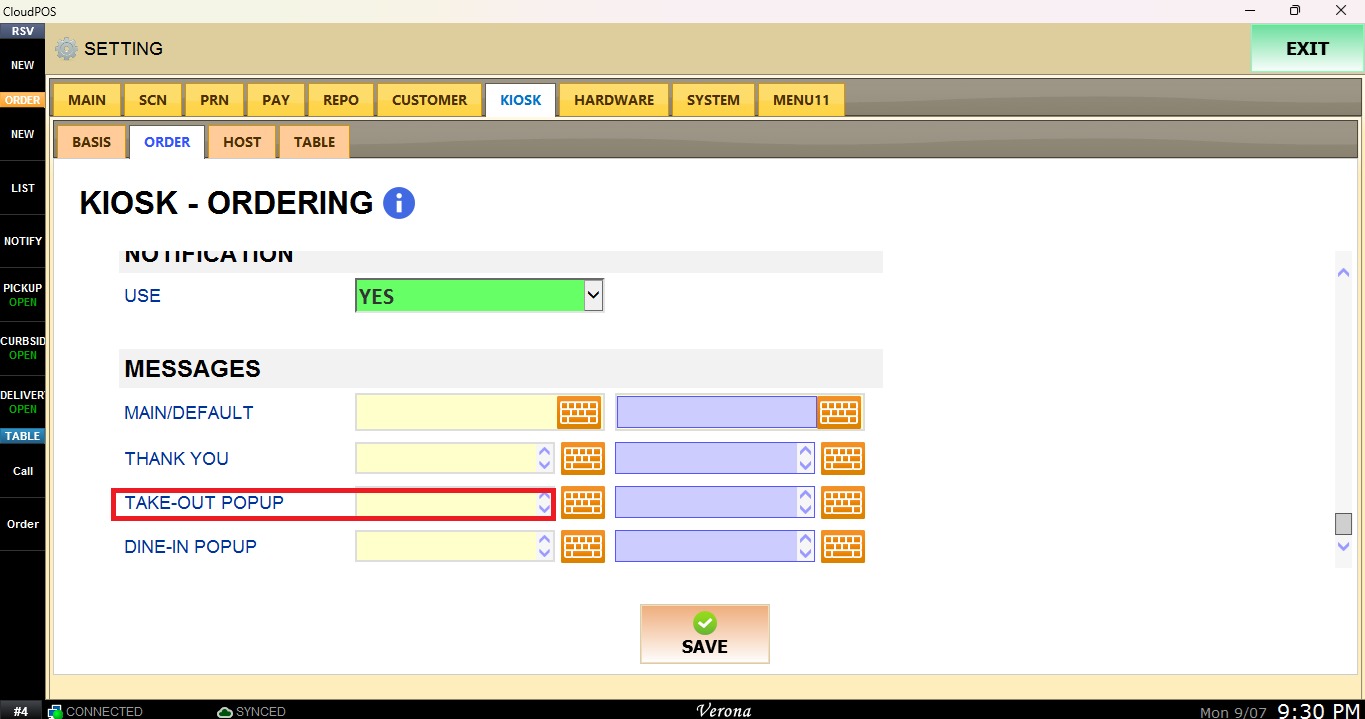
Take-Out Pop Up
Configures the message displayed when Take-Out is selected.
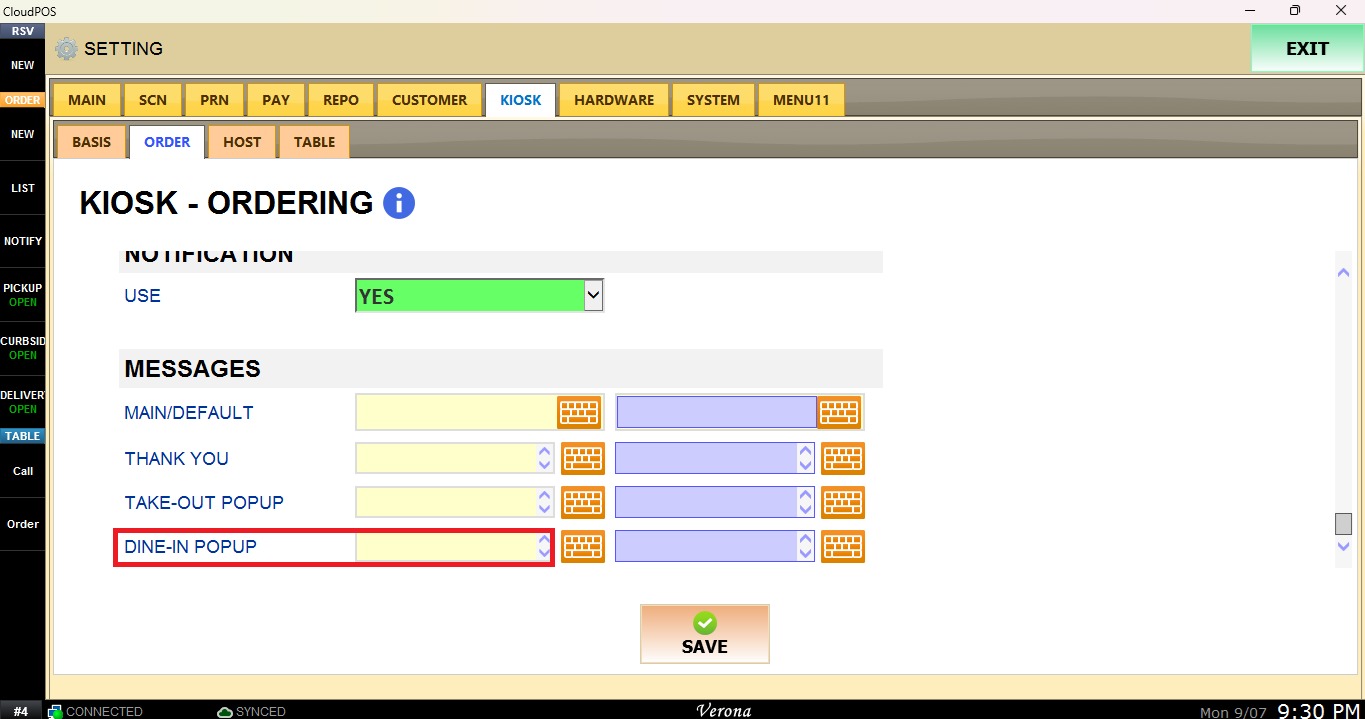
Dine-In Pop Up
Configures the message displayed when Dine-In is selected.
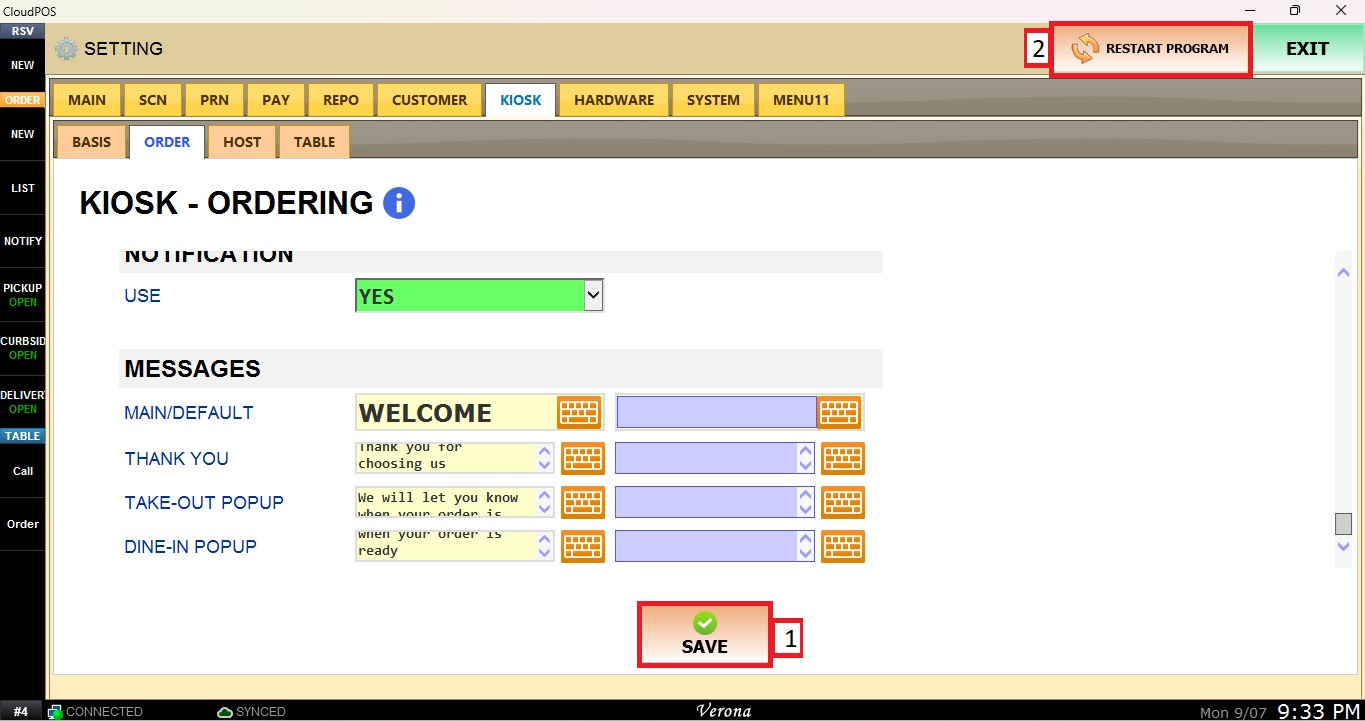
After completing the desired messages, click Save and Restart Program to save the changes and apply the new settings.