Sales Tools
These tools help staff manage menu item availability, handle delayed orders when needed, and quickly return to previously accessed sales during daily operations. These functions are also available from the Sales Screen, with access provided through the Table Screen for table-based workflows.
Main Screen> Number Pad> Table Screen
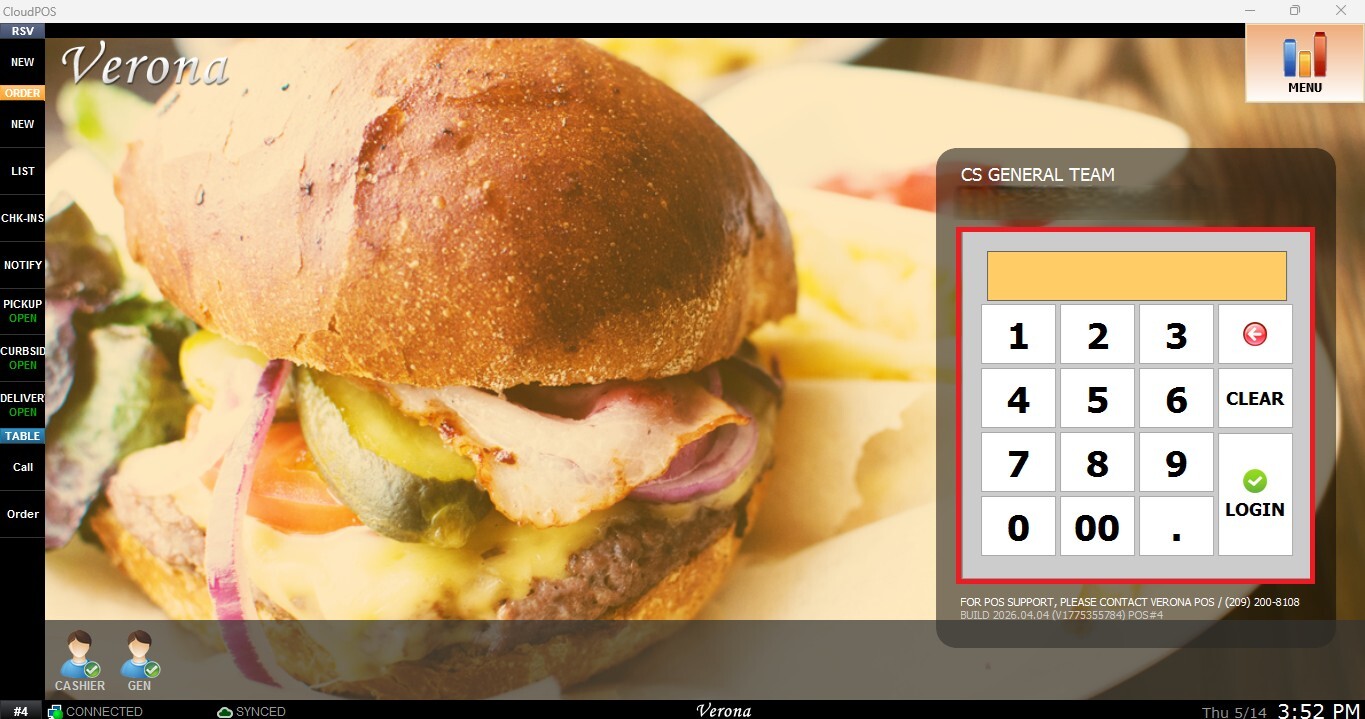
From the Main Screen, tap the number pad and enter the assigned personal password to log in.
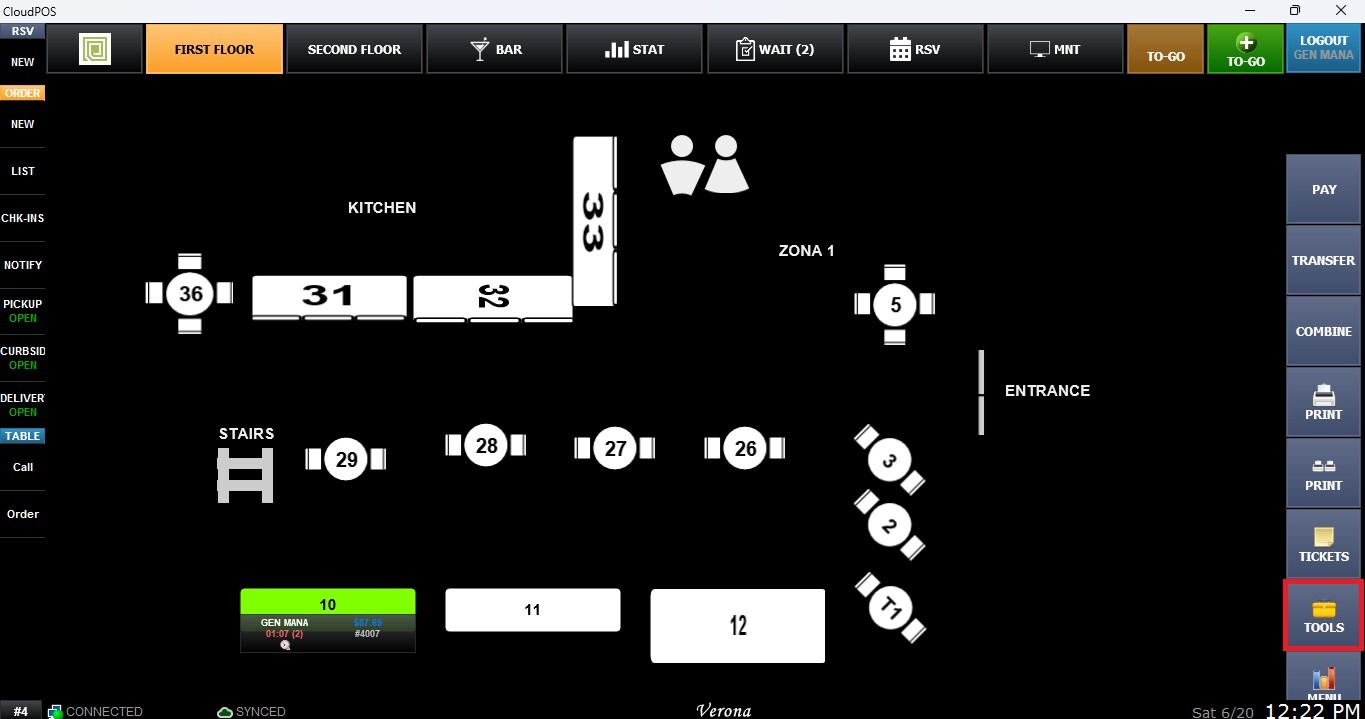
On the Table Map Screen, locate the toolbar on the right side of the screen and click the TOOLS button.
Countdown
This tool allows you to manage item availability directly from the Table Screen. You can enable or disable items for sale and configure countdown quantities to track limited inventory in real time. For more information about this tool, please refer to: Countdown
Delay
This tool displays all items that have been delayed before being sent to the kitchen. From this screen, users can review delayed orders, view their details, adjust the scheduled send time, or send them immediately if needed. For more information about this tool, please refer to: Delay List
Return
This tool allows users to process order refunds directly from the Table Screen, providing a quick and efficient way to manage refund transactions during service. For more information about this tool, please refer to: Quick Return and Ticket Return