Item Discount
This function allows you to apply a discount to a specific item that has already been added to the ticket.
Main Screen> Number Pad> Sales Screen> Item Rung Up
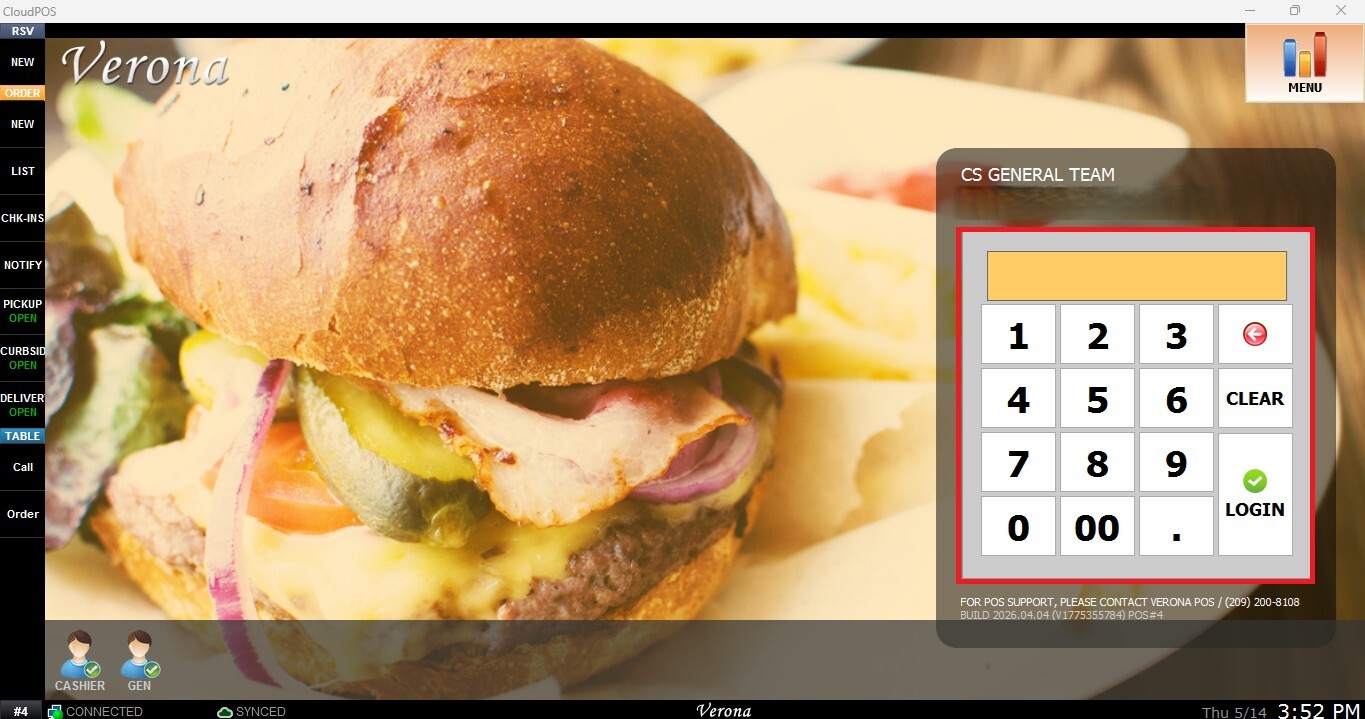
From the Main Screen, tap the number pad and enter the assigned personal password to log in.
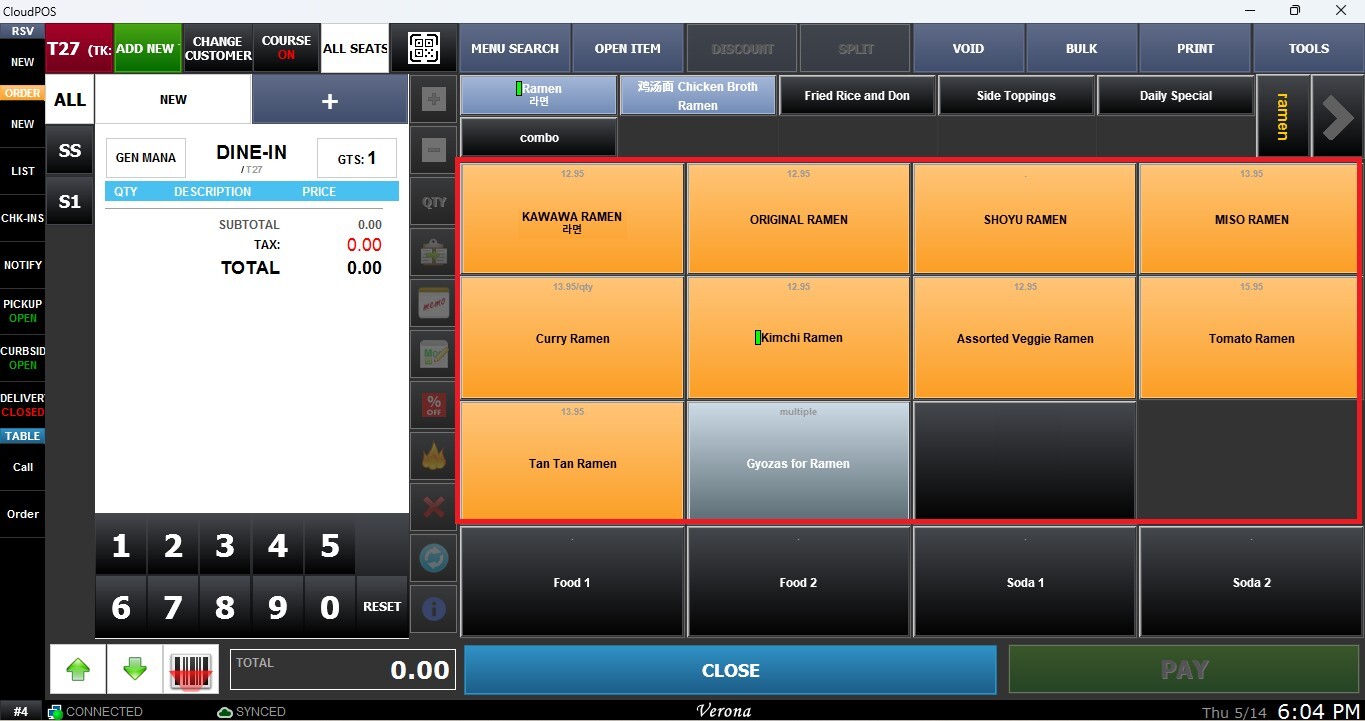
Ring up an item on the Sales Screen.
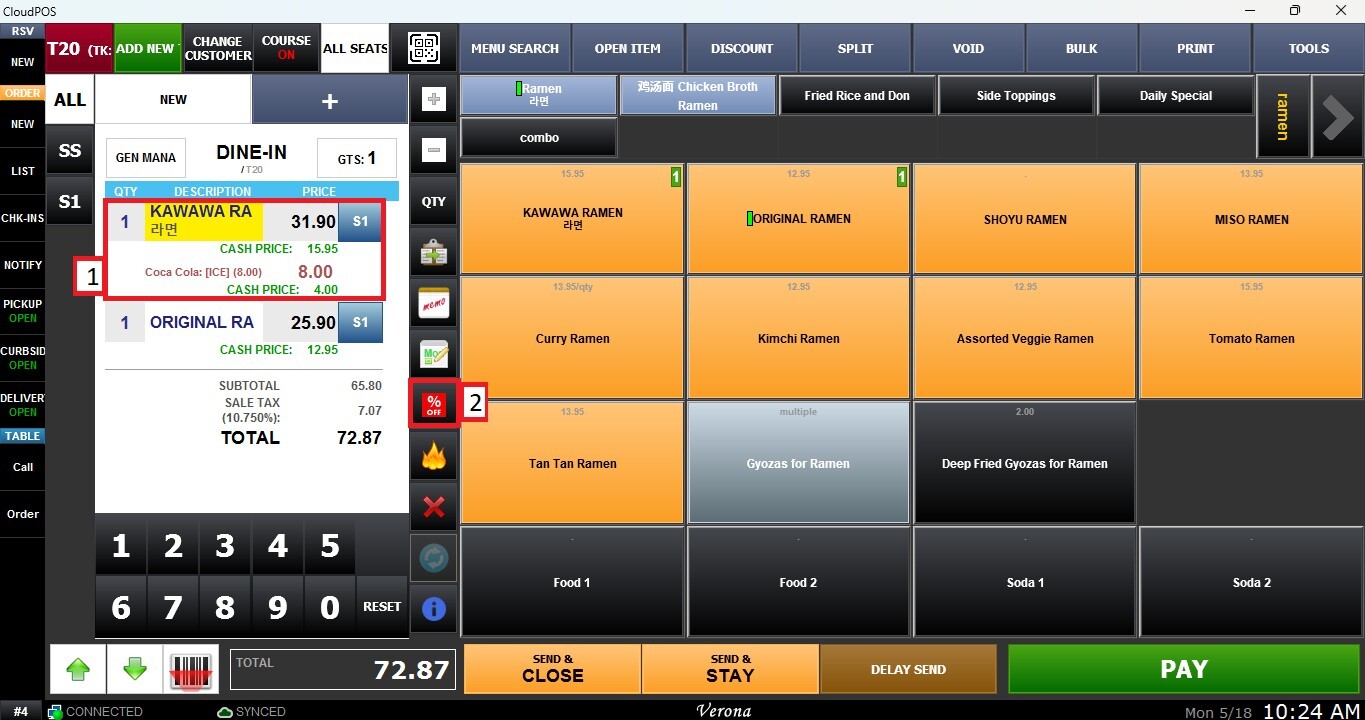
Select the item you want to apply the discount to from the order list and click the DISCOUNT (%OFF) button on the Sales Screen bar.
Note: A pop-up window will appear informing you that this action will notify the manager. Click YES to continue.
The Discounts window will open. Select the discount you want to apply to the item.
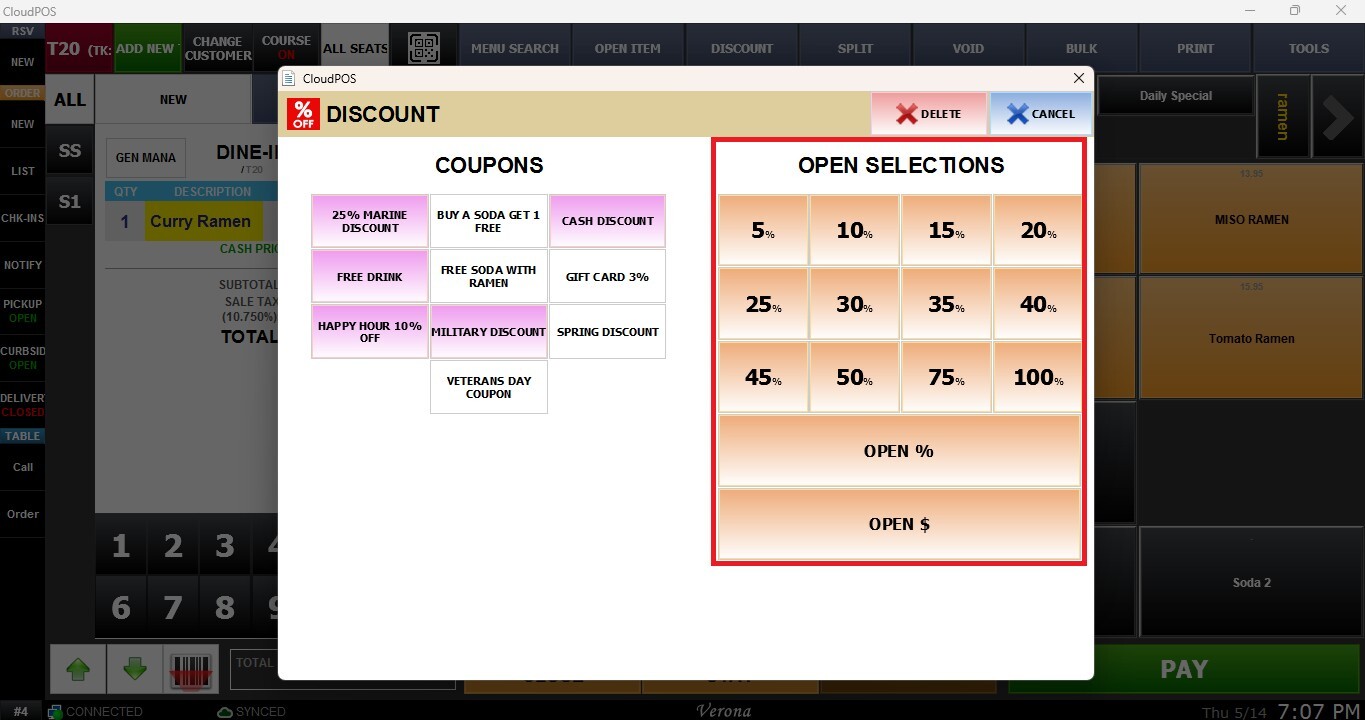
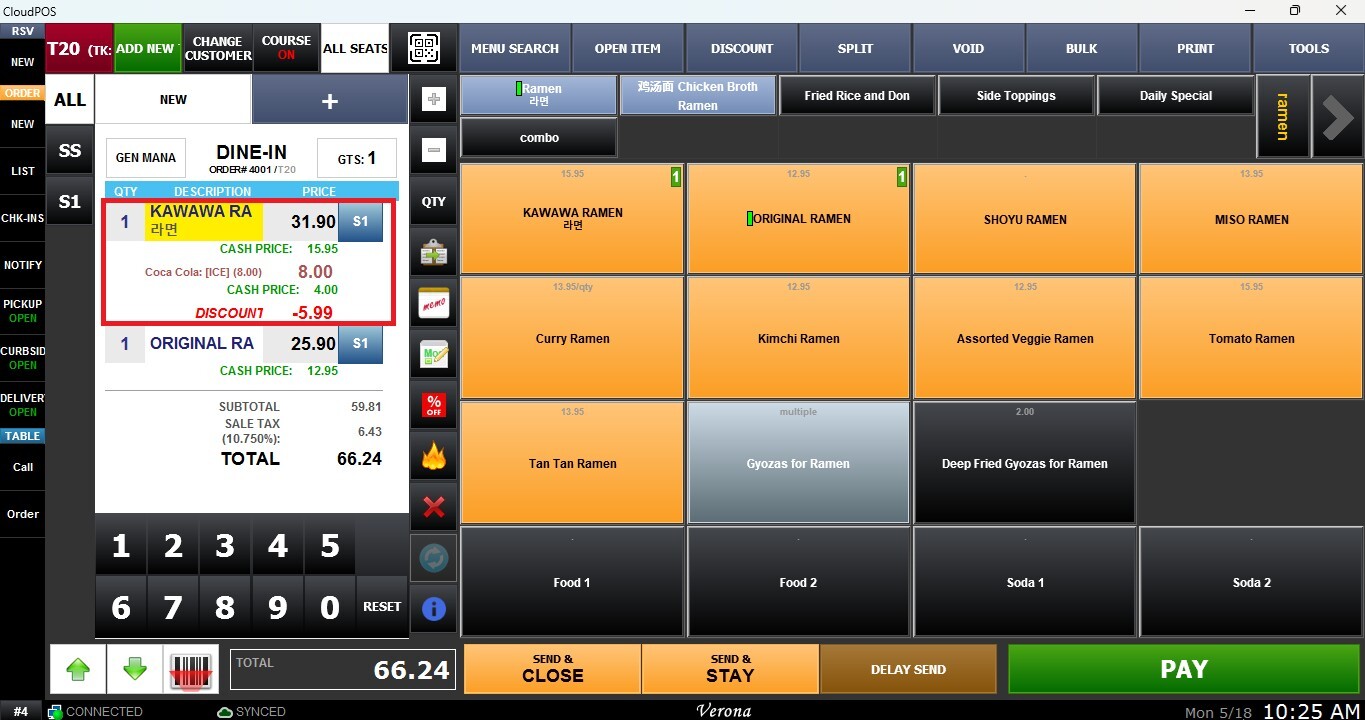
Result:
The selected discount will be applied, and the updated item price will be reflected on the ticket.