Menu Edit
The Kiosk Menu Edit option provides direct access to the menu configuration screen from Kiosk Mode. This allows menu changes to be made without leaving the kiosk interface.
MAIN SCREEN> ASTERISK> MENU EDIT.
Refer to the Kiosk Mode KB for instructions on entering Kiosk Mode.
Click the ASTERISK icon in the top-right corner.

Click MENU EDIT.
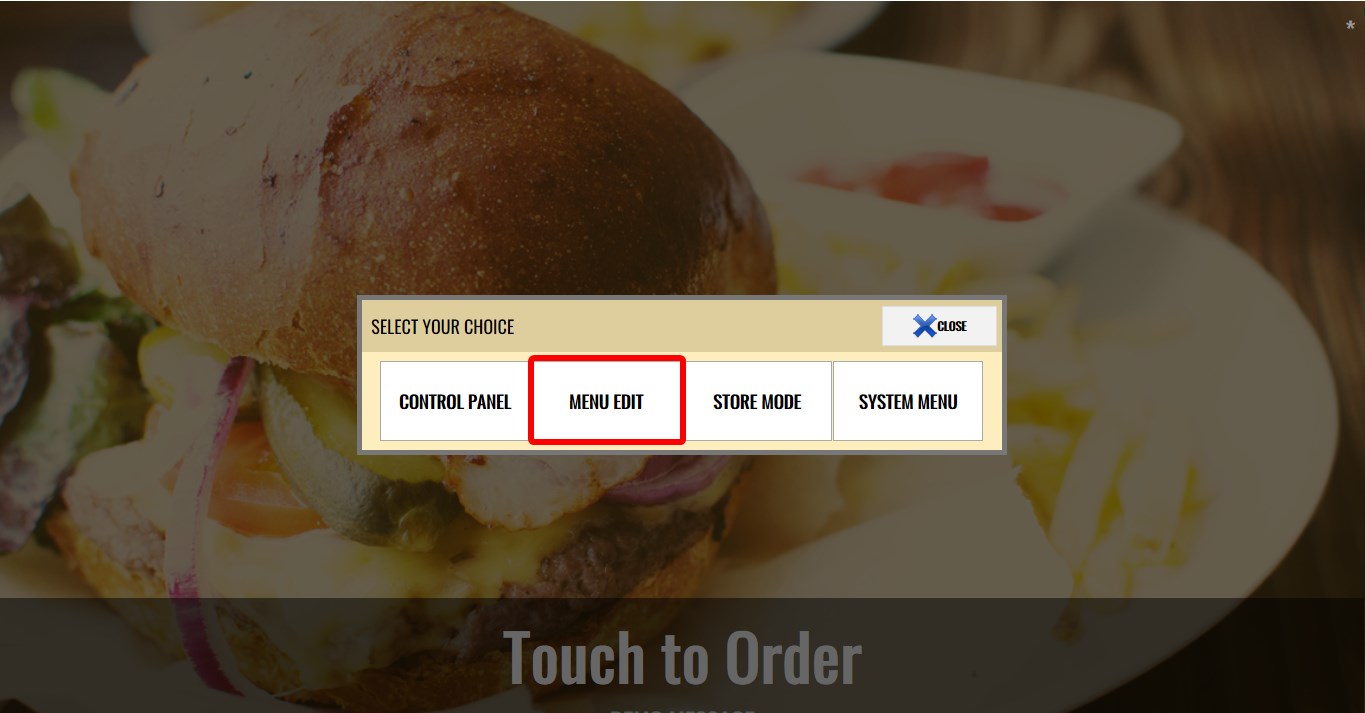
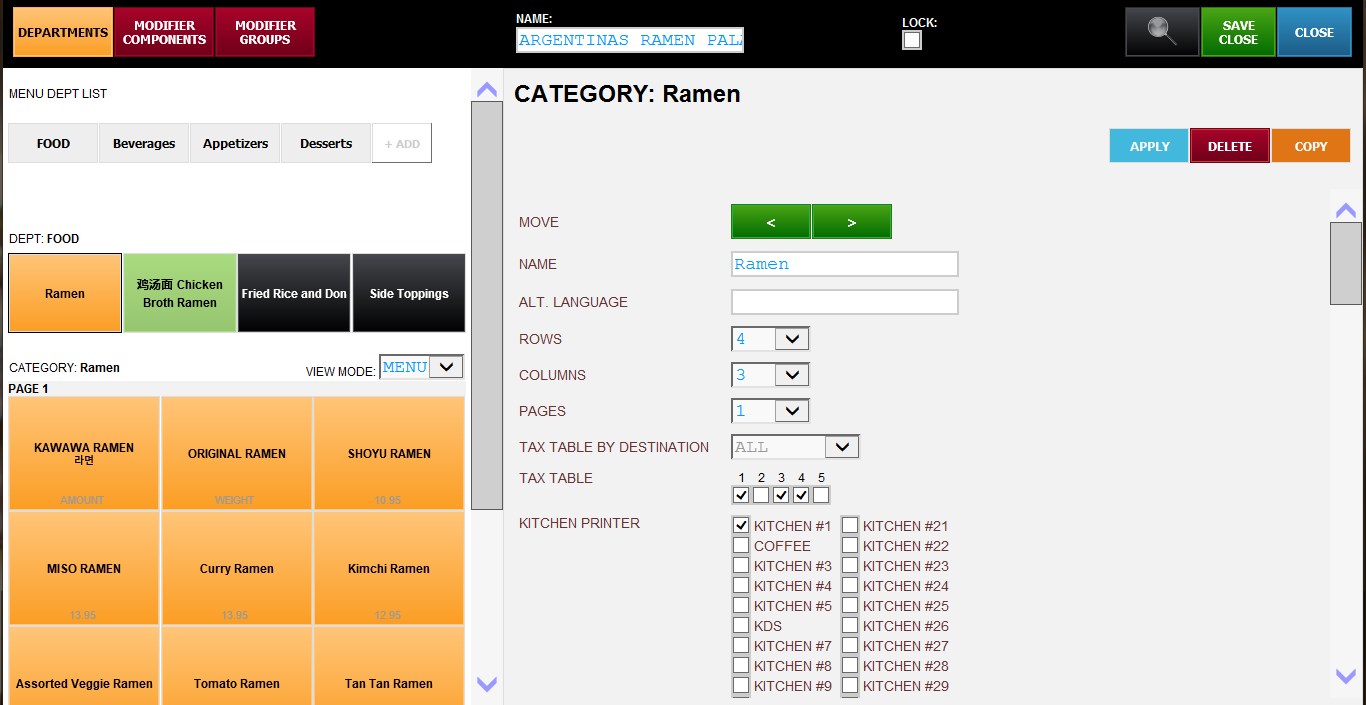
The standard Menu Edit screen will open.
From the Menu Edit screen, you can manage: Deparments, Categories, Items, Modifiers, Pricing and other menu configurations.
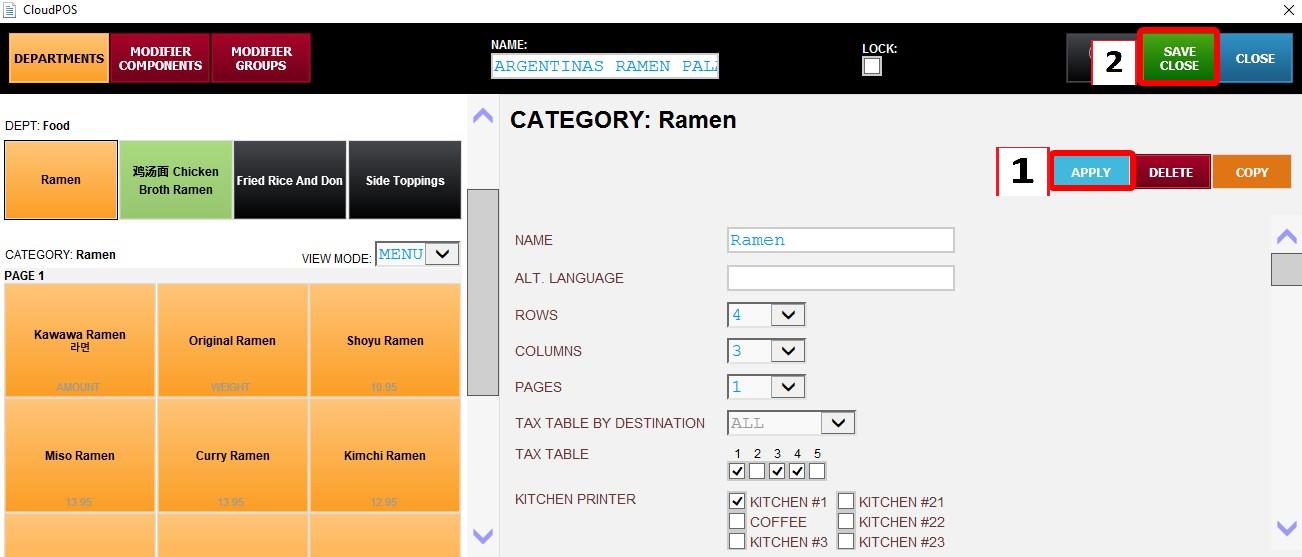
After making any change click on APPLY then SAVE and CLOSE button.
Menu configuration changes can be made directly from Kiosk Mode without needing to exit the kiosk interface.
Refer to the Menu KBs for detailed information regarding available menu configuration options and settings.