Pin pad Setup Guide
This guide explains how to connect the pinpad for use with the POS system. Proper setup allows the pinpad to communicate with the network and process card transactions correctly.
Place the pinpad on a stable, flat surface and carefully turn it upside down.
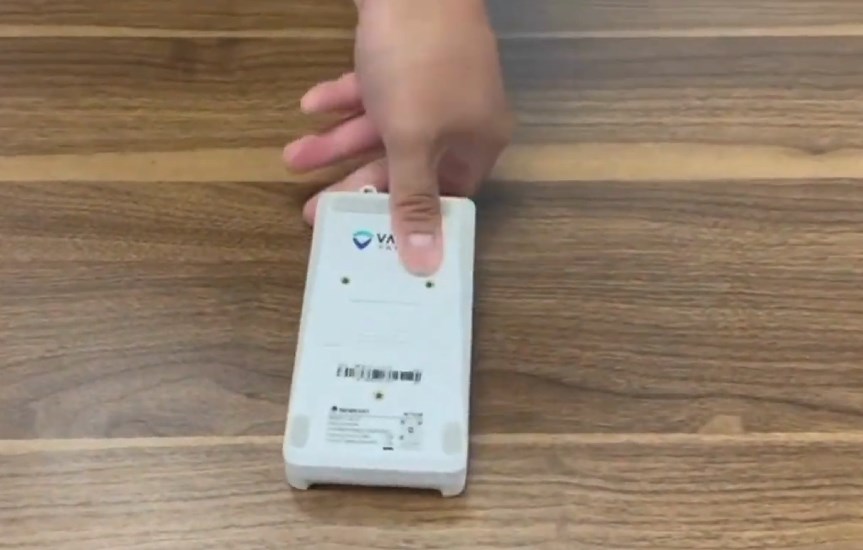
Open the back cover of the pinpad to access the connection ports.

Connect the communication cable (HDMI) to the port inside the pinpad.
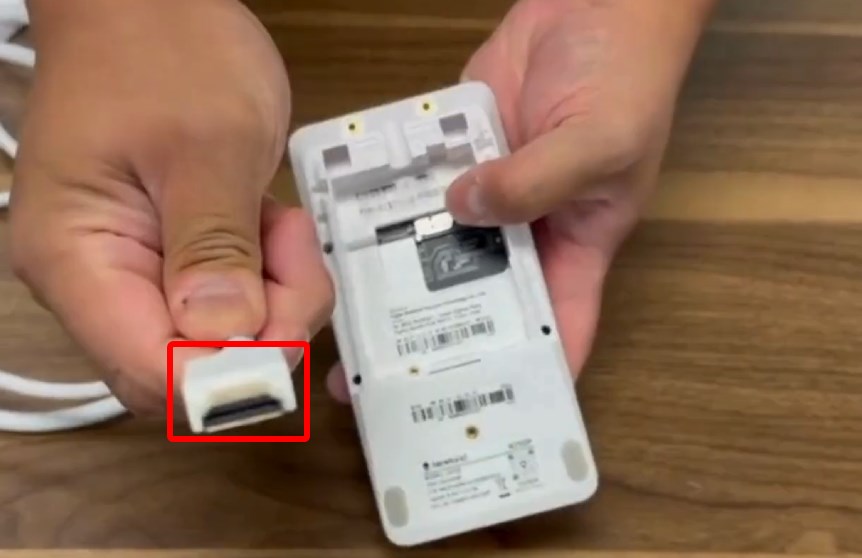
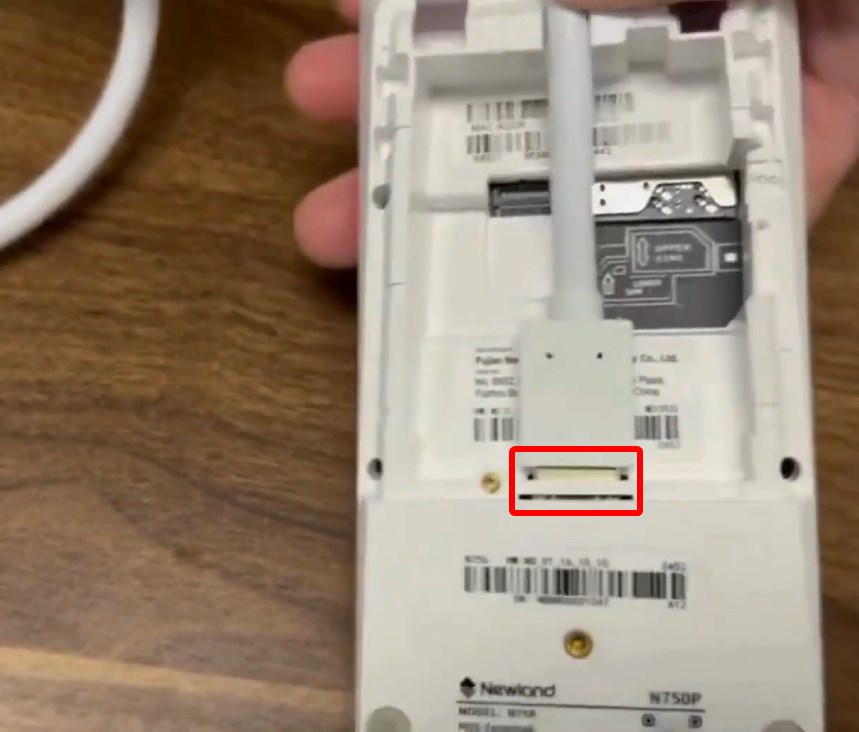
Reattach the back cover securely after the cable is connected.
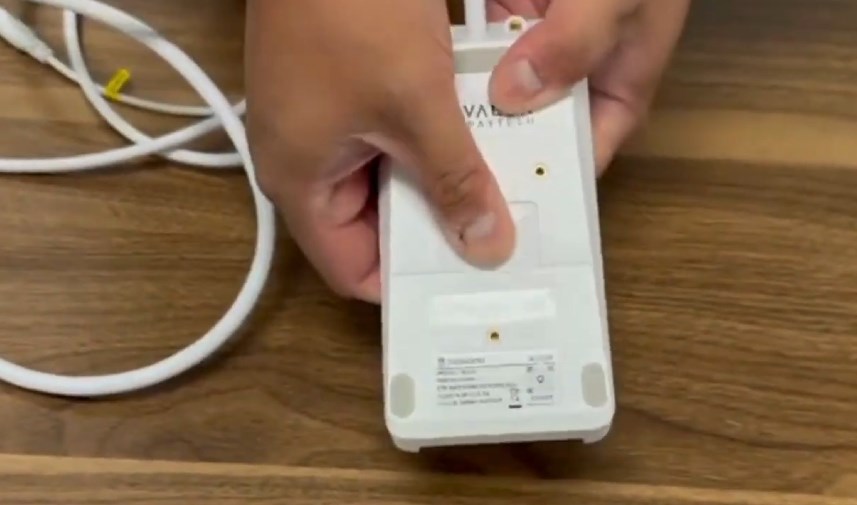
Connect the power adapter to the power connector on the cable assembly.
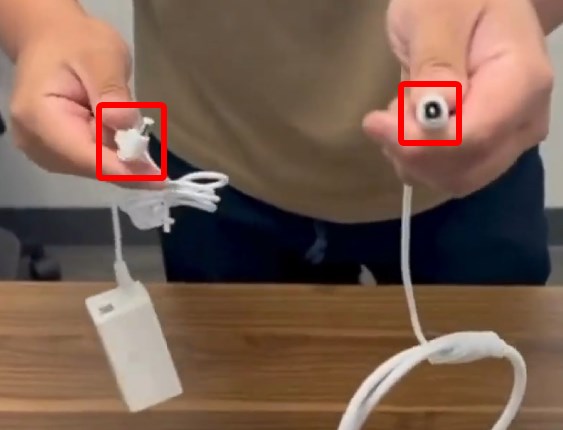
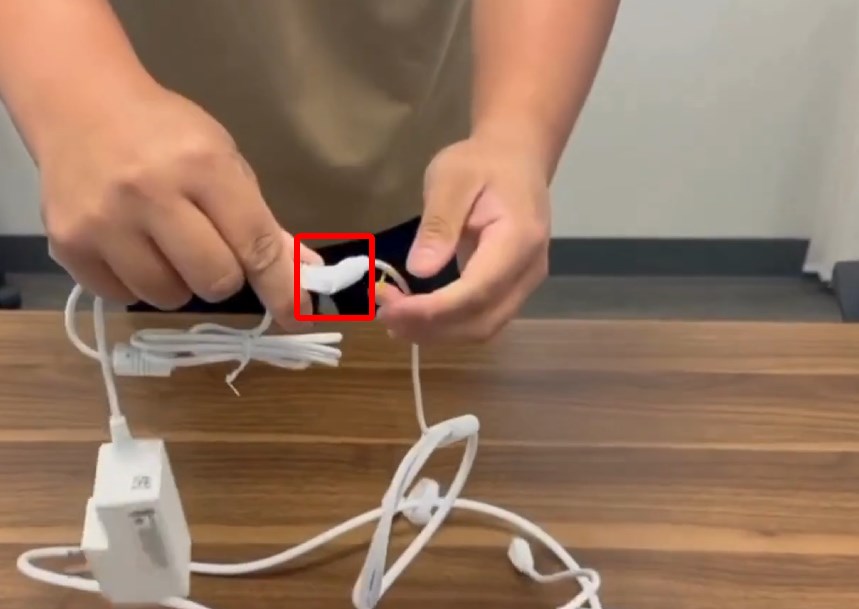
Connect the Ethernet (LAN) cable from the cable assembly to the router.
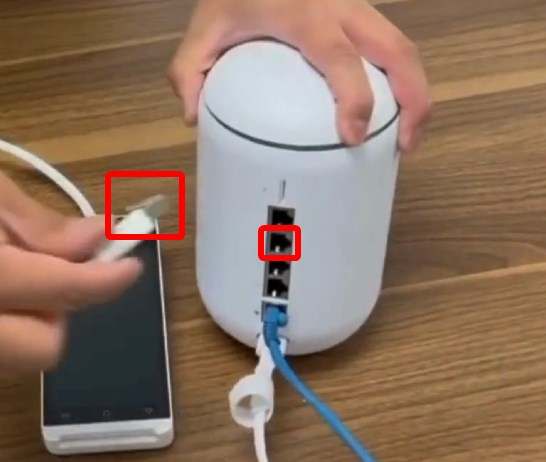
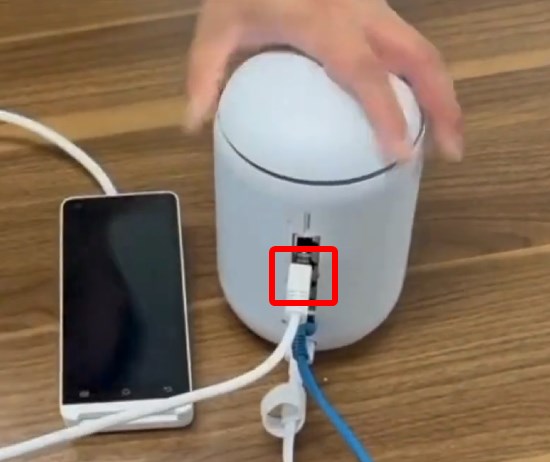
Plug the power adapter into an electrical outlet and confirm the pinpad powers on successfully.