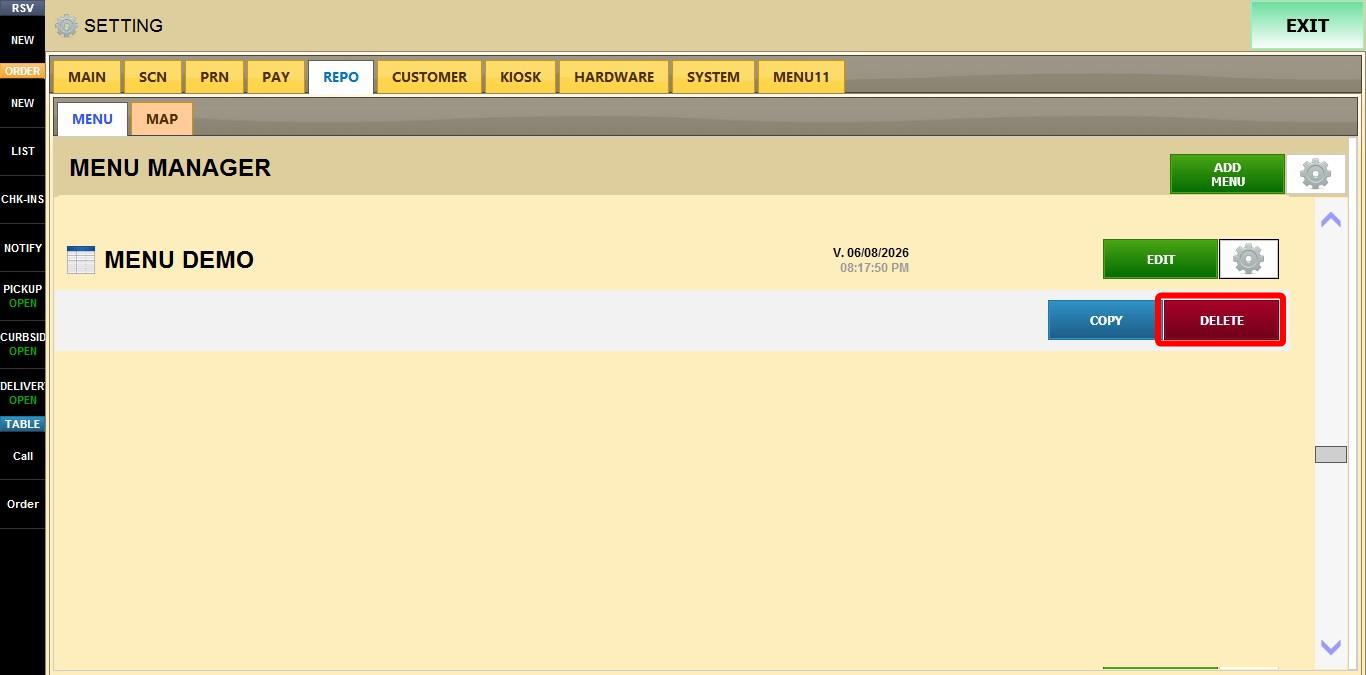
Menu Tools (Gear Icon)
The Menu Gear Icon provides quick management options for existing menus. You can use it to create a copy of a menu for testing or modifications, or remove menus that are no longer needed.
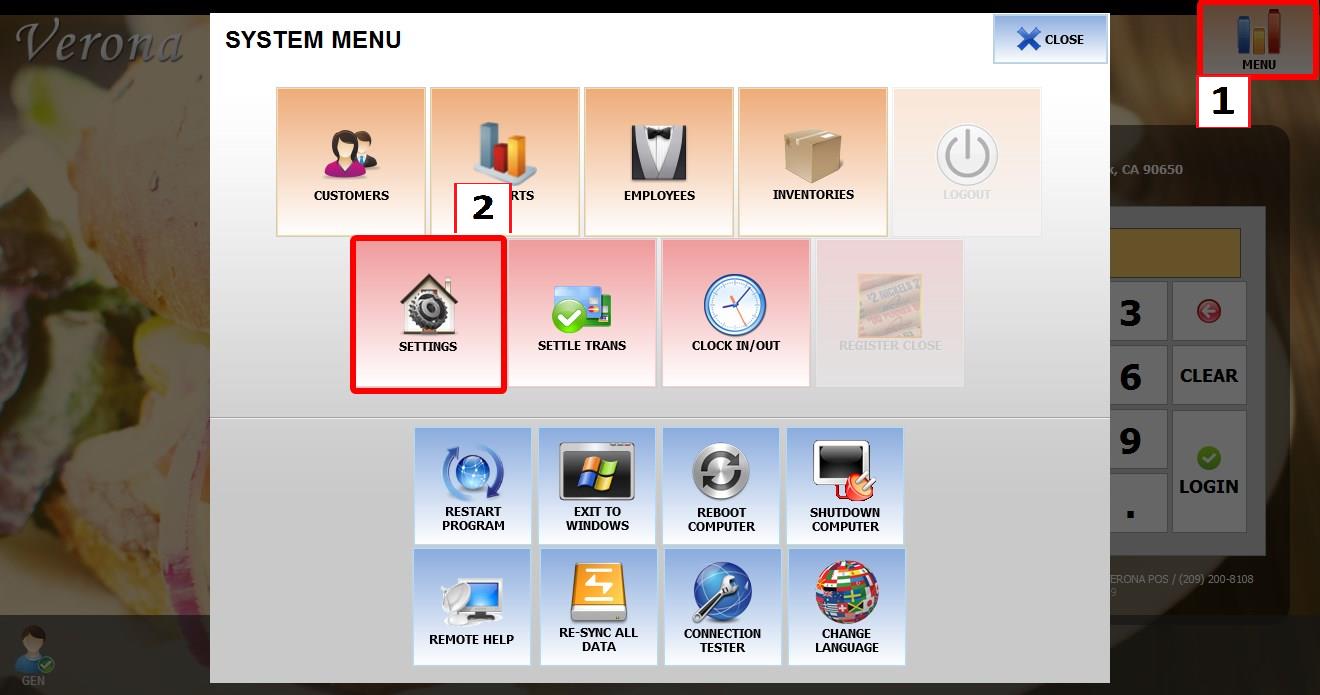
Go to MENU > SETTINGS > REPO > MENU
Go to MENU then SETTINGS.
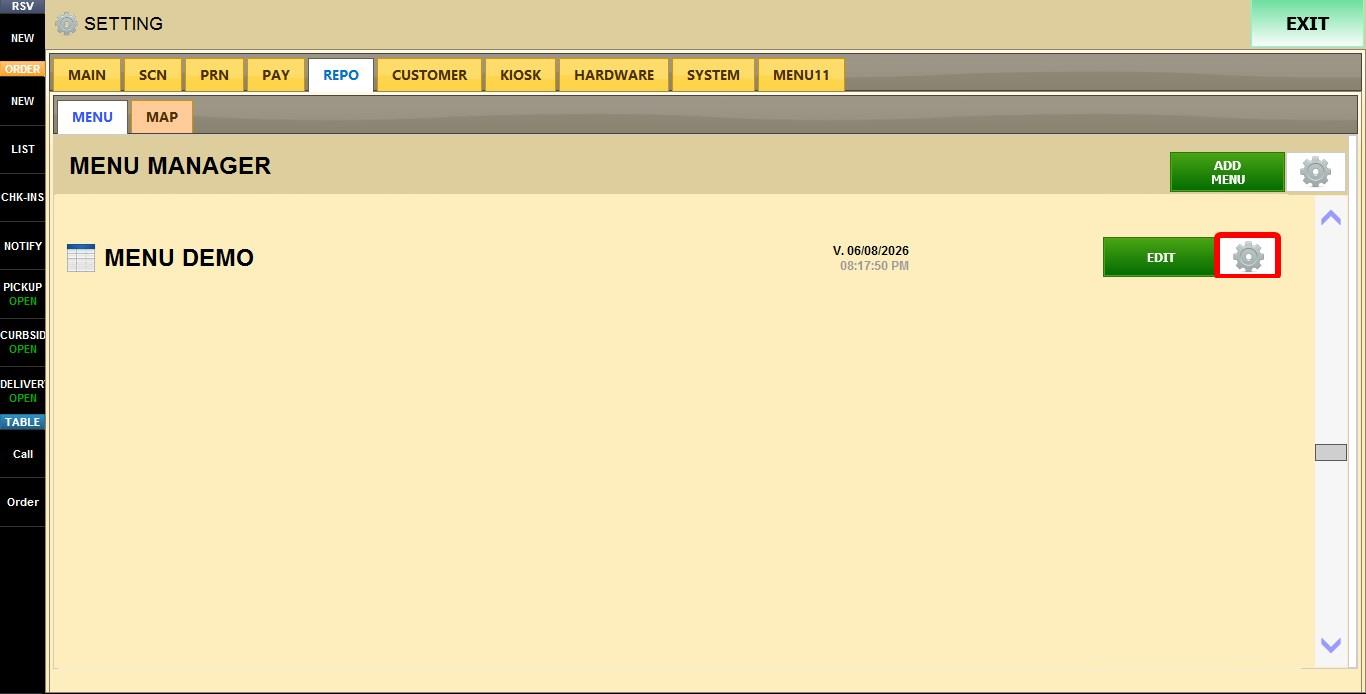
Go to REPO then MENU.

Locate the menu you want to manage and click its GEAR ICON.
The following options are available:
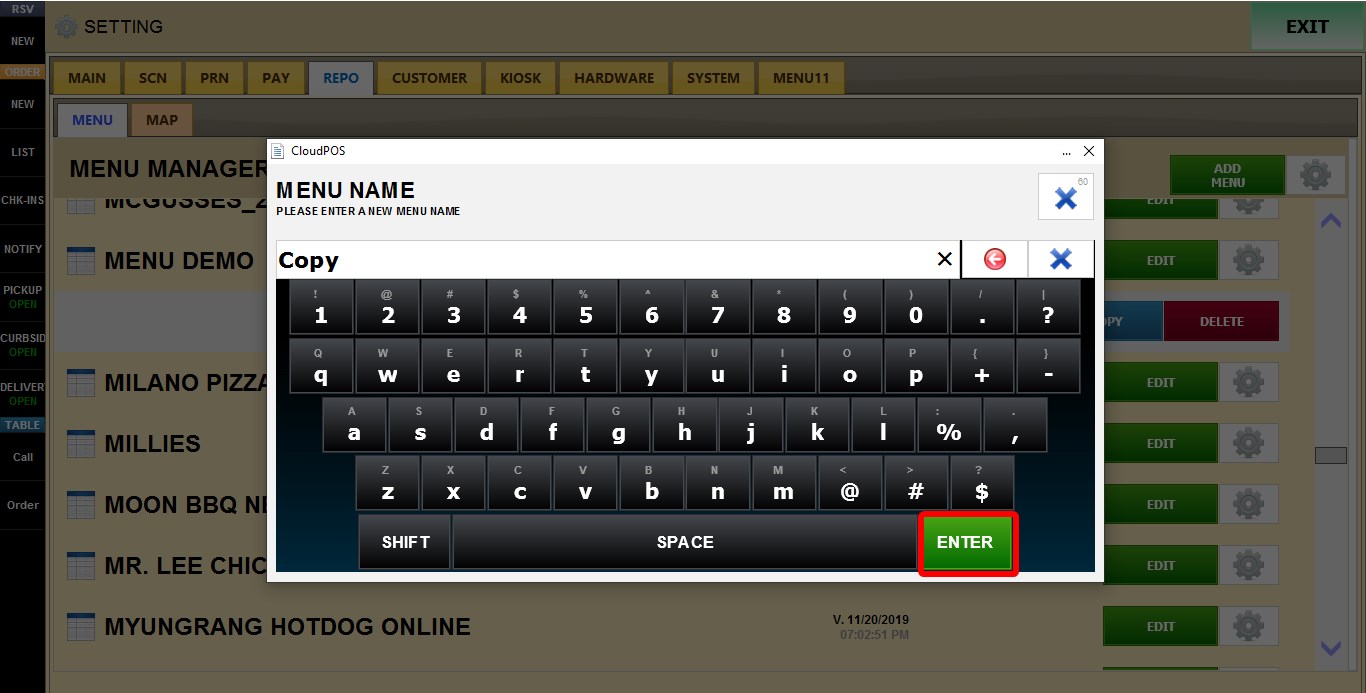
COPY: Creates a duplicate of the selected menu. 
After clicking COPY, enter a name for the new menu and press ENTER. The copied menu will then appear in the menu list.
DELETE: Permanently removes the selected menu from the menu list.