Kitchen Printer Setup Guide
See how to connect and prepare the kitchen printer for use with Verona POS. Proper setup ensures kitchen orders are printed correctly and communication between the POS and the kitchen printer works without interruptions.
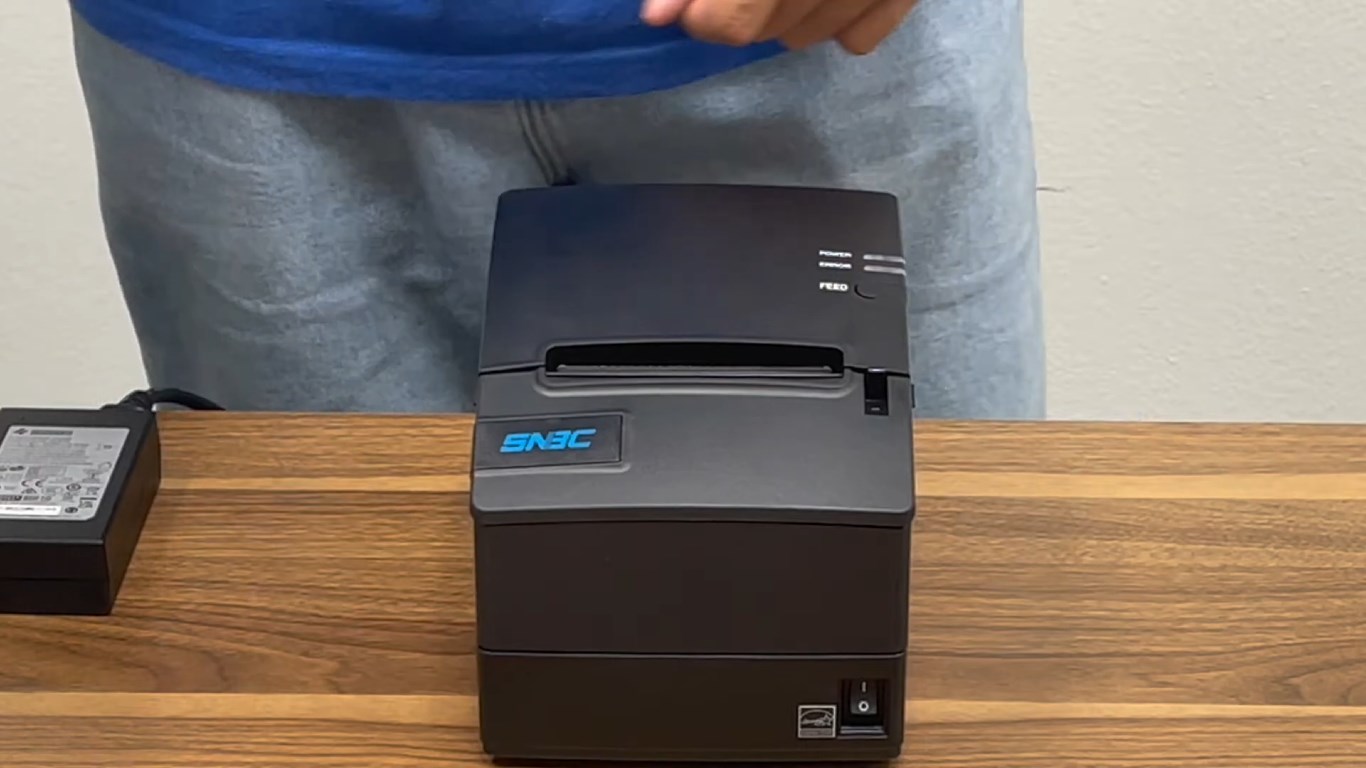
Unbox the kitchen printer and place it on a stable, flat surface.
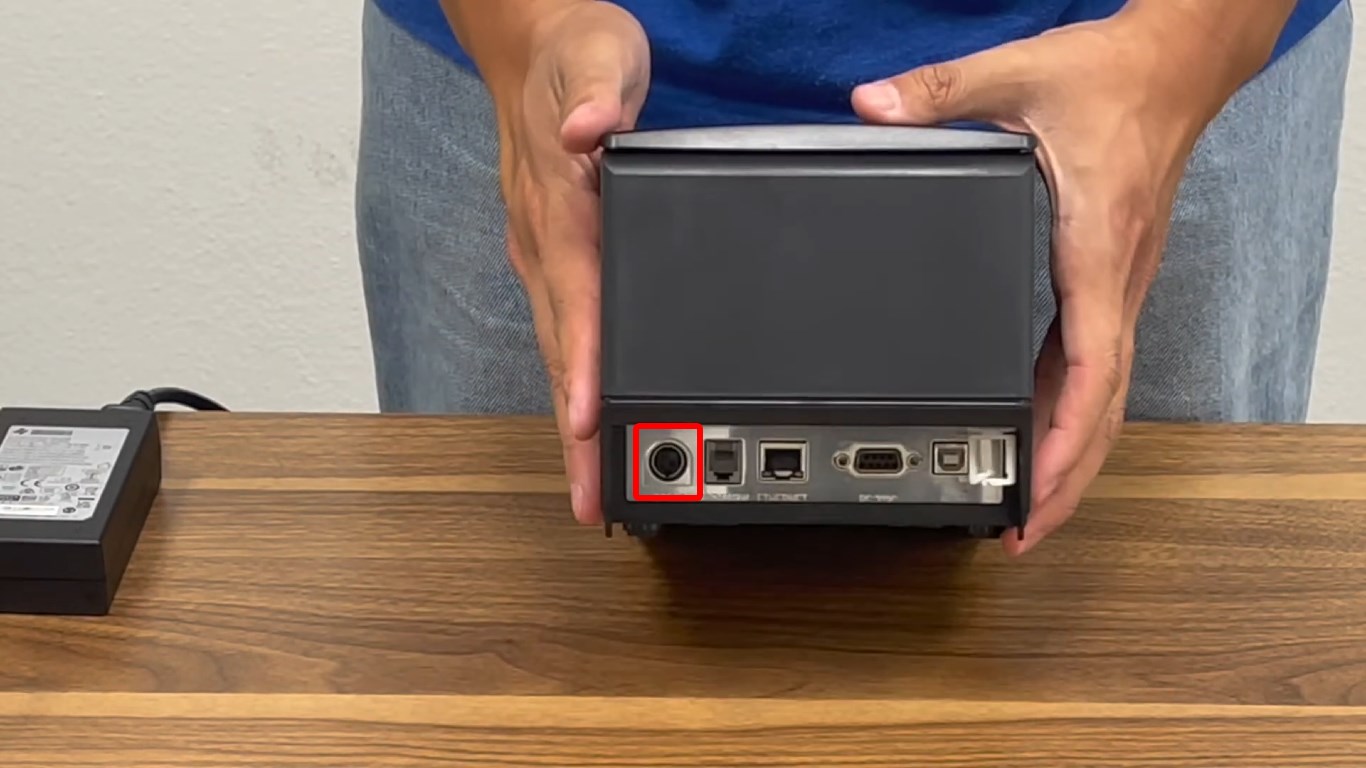
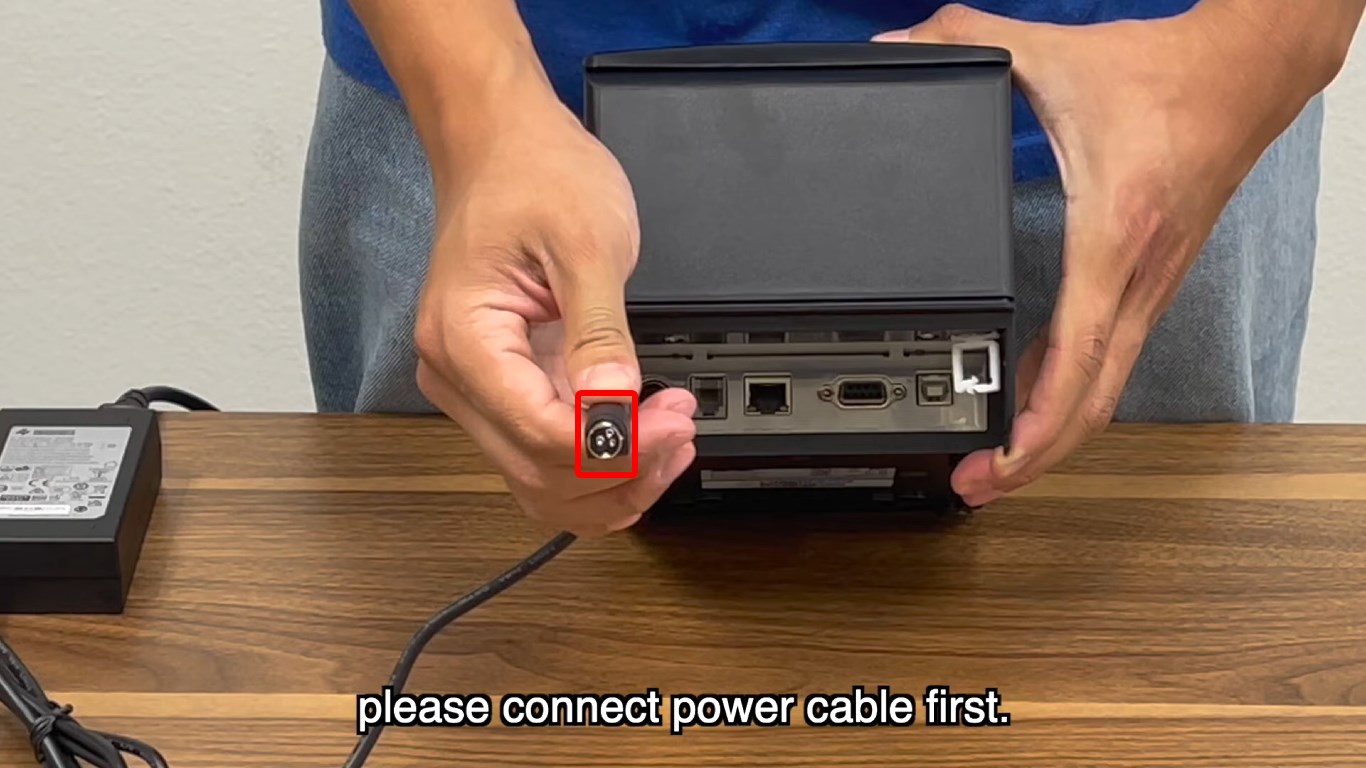
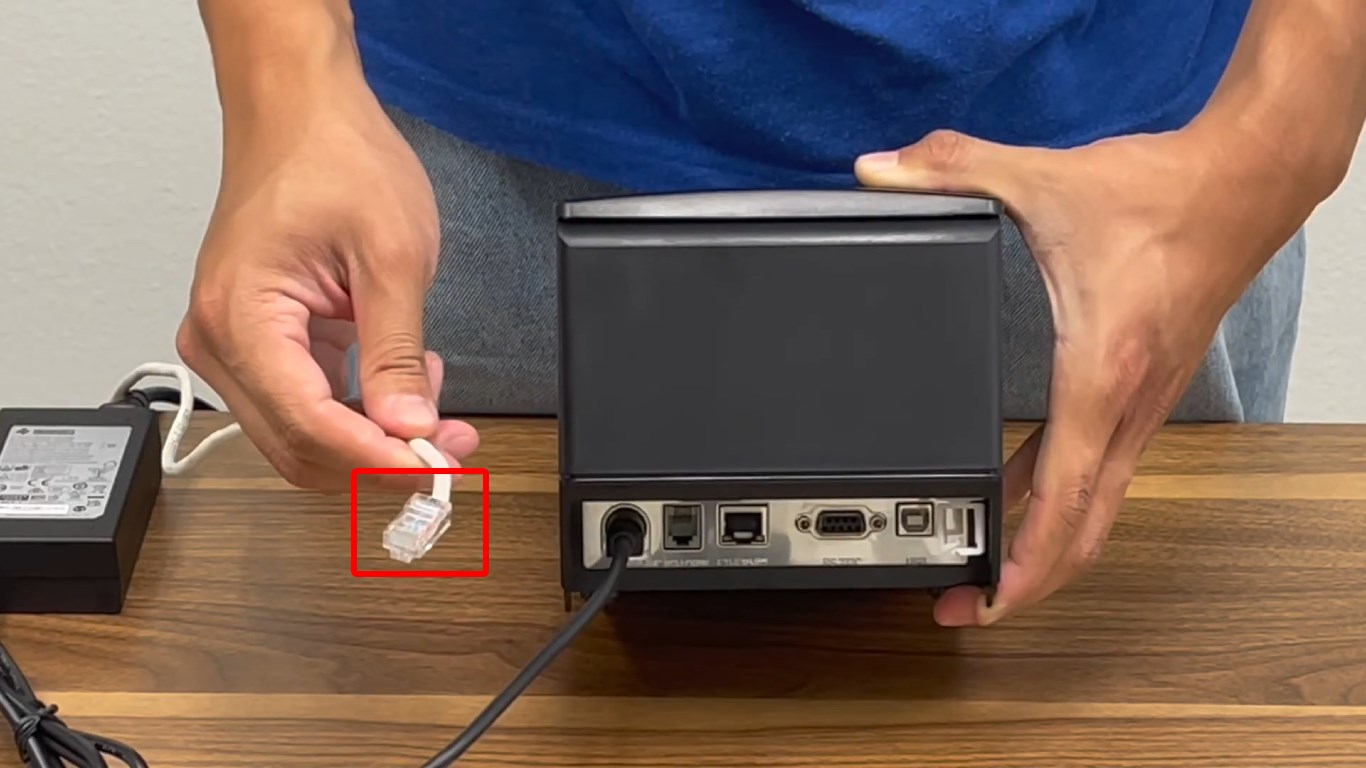
Turn the printer around and locate the power adapter port. Connect the power cable to the printer, then plug the other end into a power outlet.
Locate the LAN (Ethernet) port on the printer. Connect one end of the LAN cable to the printer.
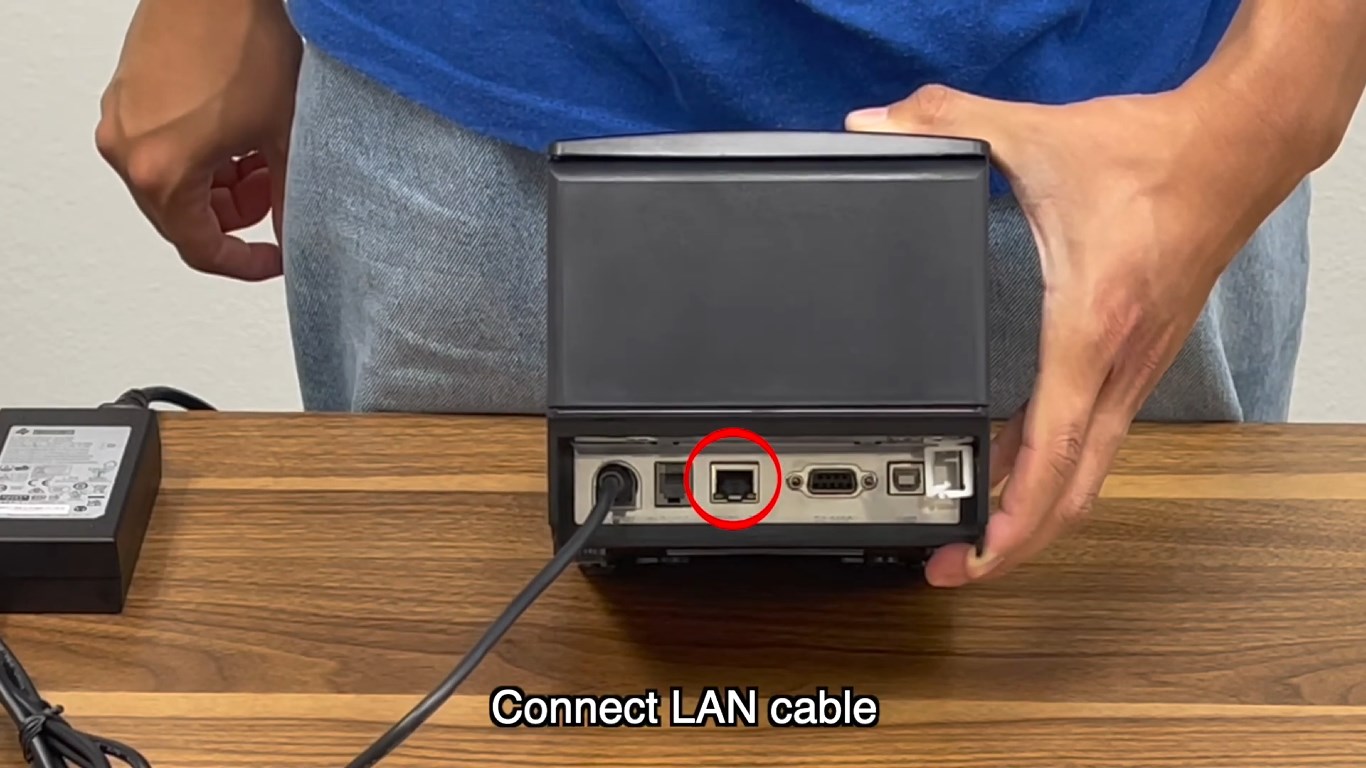
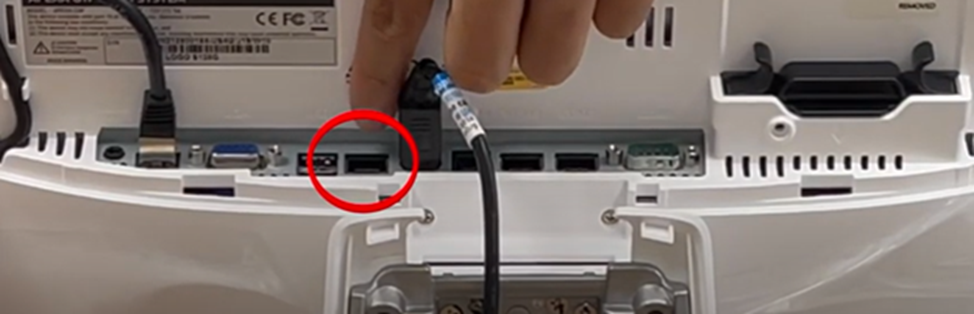
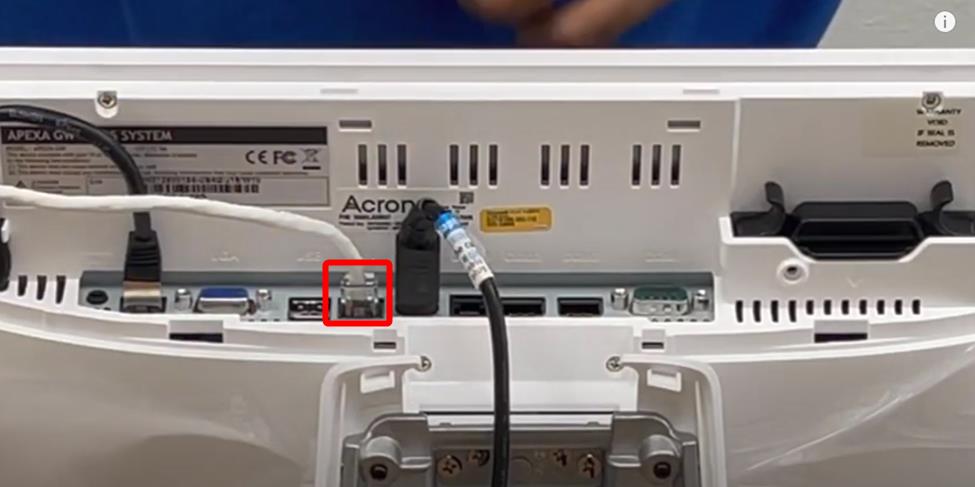
Connect the other end of the LAN cable to the POS
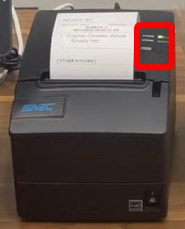
Power on the kitchen printer and confirm that the status lights is on
Continue with the Kitchen Printer Settings in Verona.